Author name: Video Editor Pro

I’m a video editor with over five years of hands-on experience creating and editing content for social media and digital platforms. I specialize in using the CapCut video editor to produce, optimize, and troubleshoot short-form and long-form videos. Through practical guides, tips, and real-world solutions, I help users understand CapCut’s features and edit more efficiently. If you have questions, feedback, or run into issues, feel free to post in the forum—I actively respond with clear, accurate guidance based on real editing experience.

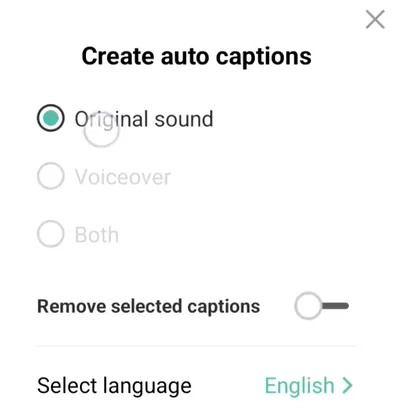
Creating auto captions on Capcut

How to Automatically Add Captions and Subtitles in CapCut?

When it comes to reaching a bigger audience and, notably, accessibility, subtitles are crucial whether they are used in Storytelling, vlogs on YouTube, or corporate films. CapCut is an editing tool that you can use manually or automatically to do this work. It is accessible for iOS and Android. Here’s how to use the app

How to Automatically Add Captions and Subtitles in CapCut? Read More »

Zoom in Capcut thumbnail

Zoom In Effect using Capcut: The Ultimate Guide with video

With the rapid expansion of social streaming services like TikTok, video editing is no more the only domain of filmmakers. After watching some stunning effects, like zoom, individuals will inquire how to achieve this or how to do that. Even on your phone, you can make this straightforward adjustment. With CapCut, one of the most

Zoom In Effect using Capcut: The Ultimate Guide with video Read More »

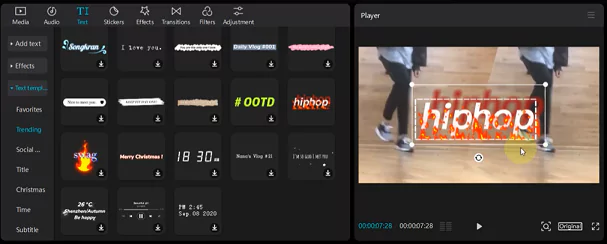
Step by Step guide to add Text

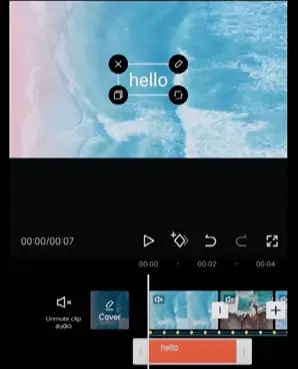
How to Add Text using Capcut – Simple Step by Step guide

A video editing app with many capabilities and effects is called as CapCut. It is a free application that may be used to make video effects. With the help of CapCut, you may create numerous films directly from your smartphone. There is no need to employ bulky, challenging instruments. All films will be swiftly changed

How to Add Text using Capcut – Simple Step by Step guide Read More »

Overlay a video in Capcut

Add Overlays in Capcut Video Editor – The Ultimate Guide

CapCut can be downloaded and used without cost. Neither in-app purchases nor premium features exist. Both iOS and Android are compatible. On the iPhone and Android devices, get CapCut from the Google Play Store or Apple app store. Due to its versatility, the capcut overlay feature may be used in a variety of circumstances and

Add Overlays in Capcut Video Editor – The Ultimate Guide Read More »

Scroll to Top