Author name: CapEditCut

I’m a video editor with over five years of hands-on experience creating and editing content for social media and digital platforms. I specialize in using the CapCut video editor to produce, optimize, and troubleshoot short-form and long-form videos. Through practical guides, tips, and real-world solutions, I help users understand CapCut’s features and edit more efficiently. If you have questions, feedback, or run into issues, feel free to post in the forum—I actively respond with clear, accurate guidance based on real editing experience.

How to Fix CapCut security notice

How to fix the CapCut Security Notice: Complete Step-by-Step Guide (2026)

If you are ready to edit a video but suddenly hit with a “Security Notice” in CapCut, it can instantly kill your creative flow. Instead of cutting clips and adding transitions, you are stuck staring at a pop-up telling you the app isn’t secure or needs an update. The good news? This issue is usually […]

How to fix the CapCut Security Notice: Complete Step-by-Step Guide (2026) Read More »

How to Download and Install CapCut on PC

How to Download & Install CapCut on PC (2026 Guide)

CapCut is a powerful and user-friendly video editing tool trusted by creators around the world. Its intuitive interface and advanced features make it a favorite for both casual users and experienced editors. However, downloading and installing CapCut on a PC can sometimes be confusing. You may be unsure whether to install it from the official

How to Download & Install CapCut on PC (2026 Guide) Read More »

Best iphones for editing reels in CapCut

Best iPhones for editing reels with CapCut – 2026 Buyer’s Guide

In 2026, mobile content creation is at an all-time high—driven largely by short-form videos on platforms like Instagram Reels, TikTok, and YouTube Shorts. Whether you are a seasoned creator, an aspiring influencer, or simply enjoy sharing clean, eye-catching edits, the iPhone you use can significantly impact your results. CapCut, one of the most popular mobile

Best iPhones for editing reels with CapCut – 2026 Buyer’s Guide Read More »

Viral CapCut effects for 2026

4 Trending CapCut Effects for creating Eye-Catching videos

Are your videos getting lost in the scroll? In today’s fast-moving social media world, eye-catching visuals are king. Platforms like TikTok and Instagram thrive on content that stops users in their tracks. But how do you keep your videos fresh and engaging without spending hours editing? CapCut offers a treasure trove of simple yet powerful

4 Trending CapCut Effects for creating Eye-Catching videos Read More »

CapCut smooth text animations

How to Create Smooth Text Animations in CapCut – Tutorial [2026]

Want your videos to look more professional? Tired of boring text? This guide shows you how to make amazing text animations in CapCut. We’ll go from getting your text ready to making it move perfectly. You’ll learn to create text that grabs attention and keeps people watching. Making your videos stand out is easier than

How to Create Smooth Text Animations in CapCut – Tutorial [2026] Read More »

Whatsapp status video using CapCut

Make Viral Photo Beat Sync videos for WhatsApp status using CapCut

Want to make those viral photo beat sync videos? You know, the ones that pop up on your WhatsApp Status, Instagram Reels, and YouTube Shorts? They’re super popular and grab attention. This guide will show you exactly how to create them using CapCut. Get ready to make your videos stand out! We’ll walk through everything,

Make Viral Photo Beat Sync videos for WhatsApp status using CapCut Read More »

How To Fix Media Lost in CapCut

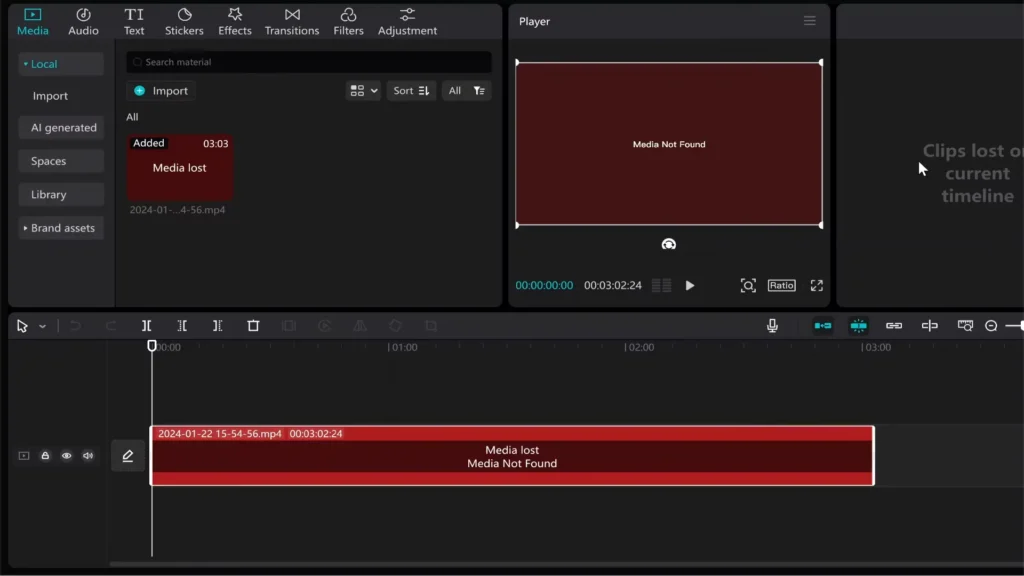
How to Auto-Link lost Media in CapCut projects using Python

CapCut is one of the most popular free video editors available today, but for developers looking to automate or manipulate CapCut projects, there’s a frustrating limitation: even when the file paths in draft_info.json look correct, CapCut still asks you to manually re-link missing media. In this guide, we’ll walk through why this happens, how CapCut

How to Auto-Link lost Media in CapCut projects using Python Read More »

Master YouTube Story Telling

YouTube Storytelling with CapCut: Cinematic Editing Tips for Creators

So many people make thousands on YouTube with stories. But many others struggle. The truth? It’s not just the story. It’s how you craft the video. Editing is like a rocket for your YouTube channel. What if you could make amazing videos with a simple tool? Many people overlook it because it’s so easy. But

YouTube Storytelling with CapCut: Cinematic Editing Tips for Creators Read More »

7 mistakes to avoid while editing video

Fix 7 Common CapCut Editing Mistakes to Instantly Improve your Videos

Editing on CapCut is easier and more popular than ever, thanks to its simple interface and powerful features. But many beginners fall into the same traps that make their videos look unprofessional. These small mistakes can ruin the flow, tone, and quality of your content. The good news? Fixing these issues is straightforward once you

Fix 7 Common CapCut Editing Mistakes to Instantly Improve your Videos Read More »

Easy TikTok edits with CapCut

How to make easy TikTok Edits using CapCut? (Quick Tutorial)

Are you new to the world of video editing and looking to create eye-catching TikTok edits? Look no further! In this comprehensive guide, we’ll take you through the step-by-step process of making a TikTok edit on the popular video editing app, CapCut. Whether you’re a complete beginner or have some experience under your belt, this

How to make easy TikTok Edits using CapCut? (Quick Tutorial) Read More »

Mastering masking tool in CapCut

How to use the Masking Tool in CapCut for Creative Video Editing?

Editing videos on your phone or computer is more popular than ever. CapCut has become a go-to app thanks to its simple yet powerful tools. Among these, the masking feature offers huge creative potential. It allows you to hide, reveal, or highlight parts of your videos in fun and professional ways. Whether you want to

How to use the Masking Tool in CapCut for Creative Video Editing? Read More »

Master CapCut PRO level video editing tips and effects

7 CapCut Effects to use in your Videos for Getting PRO Level Edits

Video content is everywhere, and standing out means editing your videos like a pro. Luckily, CapCut offers an easy way for beginners to create stunning, professional-looking videos without complex tools. Popular creators like MrBeast and many others use CapCut to craft eye-catching videos, proving it’s more capable than people think. This guide will show you

7 CapCut Effects to use in your Videos for Getting PRO Level Edits Read More »

How to edit like Lemmino in Capcut

How to Recreate Lemmino’s Cinematic Video Style in CapCut: Complete Step-by-Step Guide

Lemmino is famous for his impressive storytelling and top-tier editing. His videos keep viewers hooked, even when they last over an hour. If you want to add that cinematic flare to your videos using a simple app like CapCut, you’re in the right place. In this guide, you will learn how to mimic Lemmino’s style

How to Recreate Lemmino’s Cinematic Video Style in CapCut: Complete Step-by-Step Guide Read More »

CapCut AI Video Maker

How to use CapCut’s Free AI Video Maker for Quick Video Content Creation

Summary: Learn how to create standout videos fast using CapCut’s free AI video maker. This step-by-step guide covers AI scripts, voiceovers, visuals, and more—perfect for content creators of all levels. Creating videos used to mean juggling multiple tools, subscriptions, and hours of editing. With AI-powered tools advancing quickly, you might think it’s still complicated and

How to use CapCut’s Free AI Video Maker for Quick Video Content Creation Read More »

How to fix AI character option not showing

AI Character option is missing in CapCut? How to fix it?

Feeling stuck because the AI character feature isn’t showing up in CapCut? You’re not alone. Many users find this frustrating, especially when they see others creating cool animations with AI characters. This powerful tool can change the way you make videos, making them more engaging and fun. But if your app isn’t showing the option,

AI Character option is missing in CapCut? How to fix it? Read More »

Scroll to Top