Author name: CapEditCut

I’m a video editor with over five years of hands-on experience creating and editing content for social media and digital platforms. I specialize in using the CapCut video editor to produce, optimize, and troubleshoot short-form and long-form videos. Through practical guides, tips, and real-world solutions, I help users understand CapCut’s features and edit more efficiently. If you have questions, feedback, or run into issues, feel free to post in the forum—I actively respond with clear, accurate guidance based on real editing experience.

CapCut tricks to get 100,000 plus subscribers quickly in 2026

CapCut Editing Tricks 2026: Step-by-Step to grow your YouTube channel

Want proof that simple, smart edits can grow a channel? Using the CapCut tricks below, I grew to nearly 100,000 subscribers in just 80 videos. These aren’t just for YouTube. You’ll see them across cinema, TV ads, music videos, short form, and brand content. If you’re chasing your first 10,000 subscribers, your next million, or […]

CapCut Editing Tricks 2026: Step-by-Step to grow your YouTube channel Read More »

How to design viral captions in CapCut

How to Make Viral Captions in CapCut: Step-by-Step Guide 2026 | Fonts, Color, Motion

Premium captions may seem like a small detail, but they make a powerful difference. They grab attention, elevate the overall quality of your videos, and can lead to more views, longer watch time, and even higher-paying clients. In this step-by-step guide, you will learn how to create viral-ready captions in CapCut—from choosing the right fonts

How to Make Viral Captions in CapCut: Step-by-Step Guide 2026 | Fonts, Color, Motion Read More »

Master CapCut templates

CapCut Templates Unlocked: Create Viral Videos in Minutes

Imagine turning a blank screen into a polished, eye-catching video in just minutes that’s the power of CapCut templates. They allow you to create professional-looking content without starting from scratch, saving hours of editing time. These pre-built templates take care of transitions, effects, and timing for you, so you can focus on creativity instead of

CapCut Templates Unlocked: Create Viral Videos in Minutes Read More »

CapCut vs Premiere Pro compared

CapCut vs Premiere Pro (2026): Which Video Editor is better?

Adobe Premiere Pro has long been considered the industry standard for professional video editing—renowned for its power, precision, and reliability. However, in 2026, it still struggles to meet the needs of creators who prioritize speed and social-first workflows. Fast captions, one-click background removal, and built-in effects aren’t Premiere Pro’s strong suit. That’s where CapCut Desktop

CapCut vs Premiere Pro (2026): Which Video Editor is better? Read More »

Full details and guide regarding CapCut Buddy Program

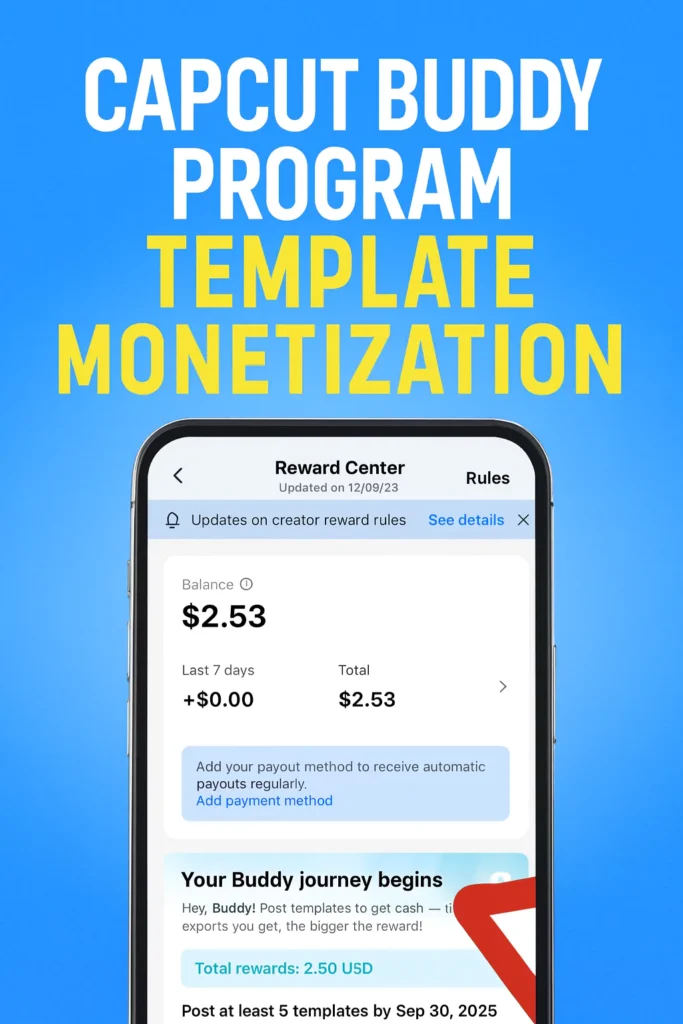
CapCut Buddy Program 2026: Complete Guide to Tasks, Rewards & Monetization

Imagine turning your quick video edits into real cash rewards directly inside the app you already use every day. CapCut Buddy Tasks introduce a new way for creators to earn money by sharing templates that others can easily reuse. By uploading and promoting your work, you can build a steady income stream without extra effort.

CapCut Buddy Program 2026: Complete Guide to Tasks, Rewards & Monetization Read More »

Create stunning Navratri Durga Puja videos

Create Stunning Navratri status videos with CapCut (Step-by-Step Guide)

The vibrant spirit of Navratri is best captured and shared through engaging visual content. Imagine creating captivating status videos that resonate with the festive fervor, sharing your devotion and celebrating the nine divine nights. This guide will walk you through the process of editing your own eye-catching Navratri status videos using the popular CapCut application,

Create Stunning Navratri status videos with CapCut (Step-by-Step Guide) Read More »

CapCut top 10 AI video editing tips

Top 10 CapCut AI Features in the 2026 Update

CapCut’s latest update introduces a powerful lineup of AI-driven tools designed to transform video editing for YouTube and TikTok creators. From generating complete videos in minutes to creating AI avatars and accelerating the editing process, these new features deliver unprecedented creative control and efficiency. This article highlights the most game-changing additions and how they can

Top 10 CapCut AI Features in the 2026 Update Read More »

Too many people are using this feature now

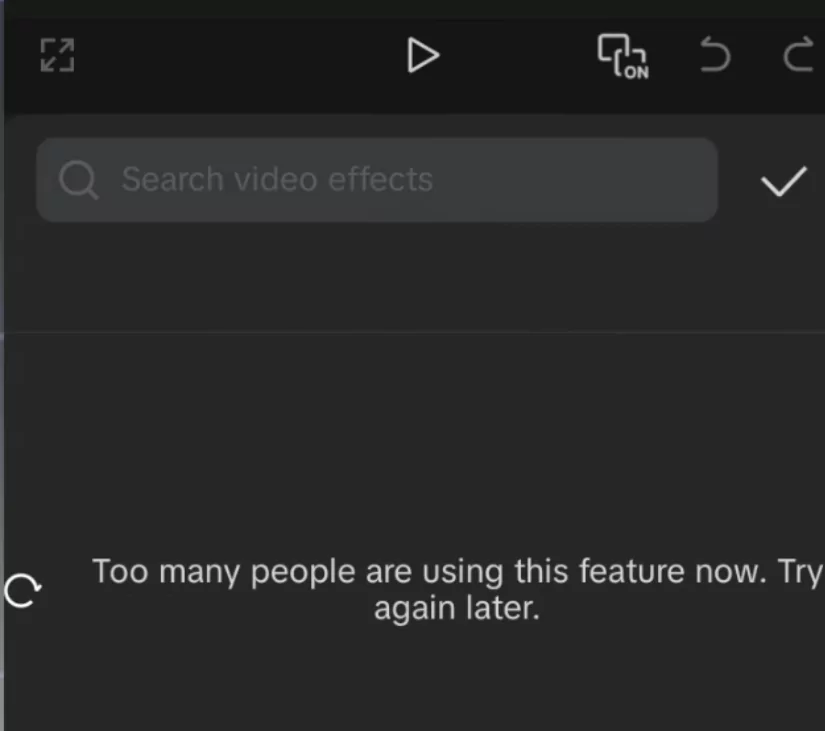
Fix CapCut “Too many people are using this feature now try again later”

Following the latest CapCut update, many users are encountering frustrating network issues, including messages like “Too many people are using this feature now.” These errors can seriously disrupt your video editing workflow. In this guide, you’ll learn how to fix these common CapCut problems and get back to smooth, uninterrupted editing. Understanding CapCut error messages

Fix CapCut “Too many people are using this feature now try again later” Read More »

CapCut Update no internet connection fix

Permanent Solutions for No Internet Connection Issues in CapCut

CapCut’s latest update, version 14.9.0, introduces a range of new video effects, animations, and filters that many creators were excited to try. Unfortunately, users soon began running into a frustrating issue—repeated “no internet connection” errors when attempting to access templates, effects, and other online features. This article walks you through a permanent solution to fix

Permanent Solutions for No Internet Connection Issues in CapCut Read More »

Fixing CapCut effects not working problem

CapCut Effects not Working? Fix for Latest Version (Fonts & Animations Too!)

Many CapCut users are encountering a frustrating issue where effects, fonts, and animations disappear after exporting their videos. This problem is especially common in recent versions of CapCut, preventing creators from displaying their edits as intended. To help address this, this article outlines a clear, step-by-step solution to fix the glitch. Most frequently reported in

CapCut Effects not Working? Fix for Latest Version (Fonts & Animations Too!) Read More »

Fix CapCut File Not Supported Error - Quick Fixes

Fix CapCut “File Not Supported” Error – Quick & Easy Solutions

This article will walk you through an effective method to resolve the “File Not Supported” error in CapCut for a smooth editing experience. Running into the “File Not Supported” error in CapCut can be frustrating and disruptive to your video editing process. This issue commonly occurs due to temporary app glitches or unsupported media formats.

Fix CapCut “File Not Supported” Error – Quick & Easy Solutions Read More »

How to solve CapCut network error

CapCut Network Error: The Complete Troubleshooting Guide

Experiencing a network error in CapCut can bring your creative flow to a standstill. Whether you are downloading effects, adding music, or exploring new transitions, a broken connection can stop you in your tracks. This guide explains why network errors happen and offers step-by-step solutions to get you back to editing without interruptions. Understanding CapCut

CapCut Network Error: The Complete Troubleshooting Guide Read More »

Scroll to Top