

I've been having issues with the CapCut app for the past few days. It has been extremely slow, buggy, and glitchy.
Today, I tried exporting one of my videos, but the export kept getting stuck at 99.9% and never finished. I eventually closed the app and reopened it, and now it's permanently stuck like this. My Projects page is completely blank, and I can't access any of my projects.
I've attached screenshots showing what's happening.
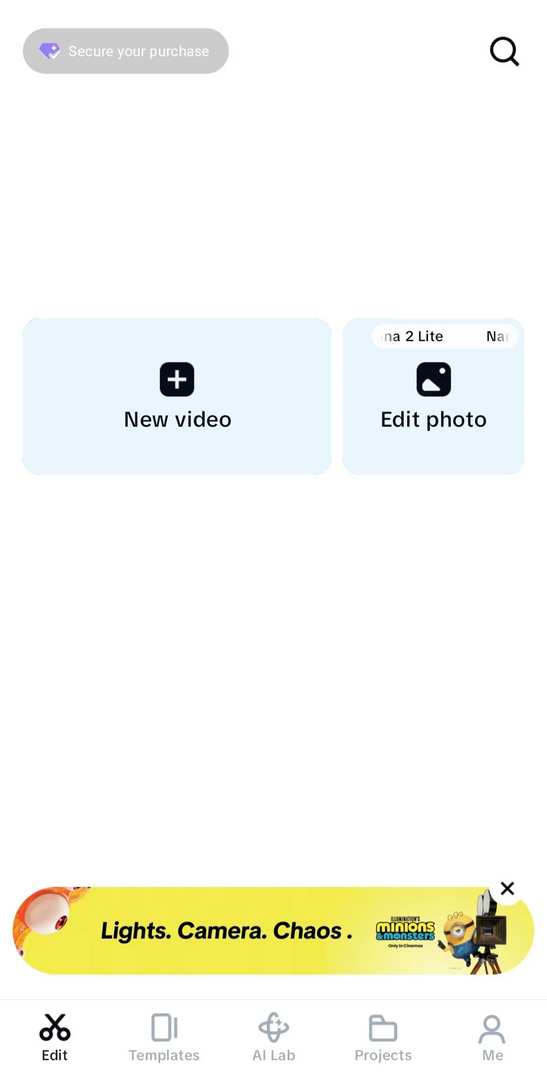
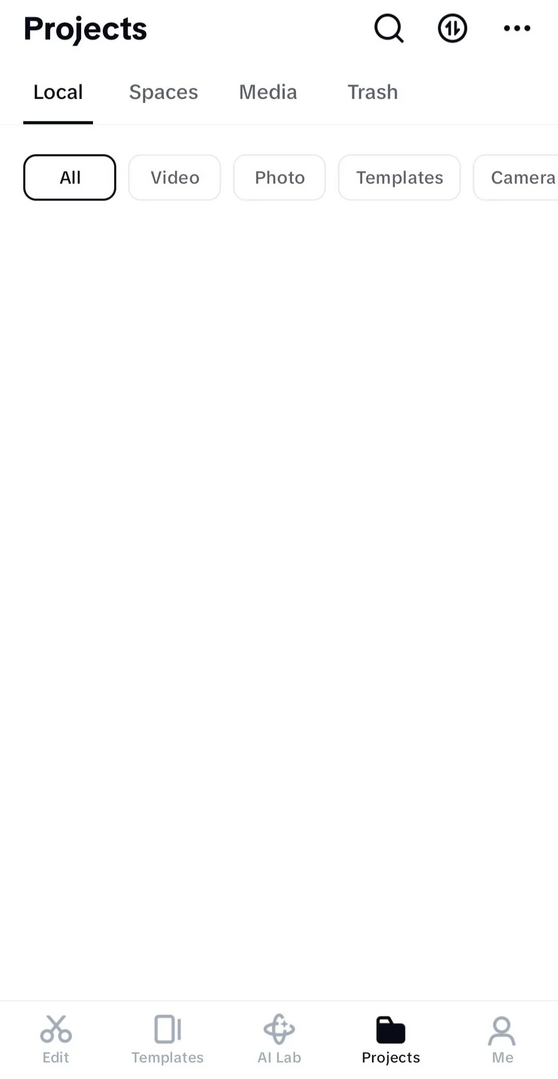
Is there any way to fix it or recover my projects?

Hi,
From your screenshots, CapCut itself is loading, but the Local Projects database is either corrupted or not being read. The fact that:
- the export froze at 99.9%
- the app became increasingly slow and glitchy beforehand
- the Projects tab is now completely empty
suggests that the app crashed while writing to its local project database.
The good news is that an empty Projects page does not always mean the project files are gone. Sometimes CapCut just loses track of them.
Here are the recovery steps I'd try, in order:
- Force stop the app and reboot your phone.
- Sometimes the local database is locked after a crash.
- Do NOT clear the app's data or uninstall CapCut yet.
- On Android, clearing data or uninstalling can permanently delete local projects if they aren't backed up.
- Check whether your media is still on the phone.
- Open your file manager and look for folders such as:
Movies/CapCutDCIM/CapCutAndroid/media/com.lemon.lvoverseas/Android/data/com.lemon.lvoverseas/(may be hidden on newer Android versions)
- If these folders still contain lots of files, your projects may still exist.
- Open your file manager and look for folders such as:
- Check if you're signed into the correct account.
- If your projects were stored in CapCut Spaces/cloud, signing out or into a different account can make the Local tab appear empty.
- Free up storage.
- If your phone was nearly full during export, CapCut can corrupt its project database. Try to have at least several GB free before reopening.
- Update CapCut (if an update is available).
- Sometimes a bug affecting project loading is fixed in a newer version.
If your projects are still missing
If you're comfortable using a file manager:
- Look for a folder containing project data (often named something like
draftsorprojects). - If those folders are still there, there's a chance the database is damaged while the project files remain intact.
If nothing works
Unfortunately, if the local project database became corrupted and there is no cloud backup, CapCut itself has no official "repair project" feature. Recovery then depends on whether the draft files are still present on storage.
Can you share the below data to help you further:
- Android or iPhone?
- Did you recently update CapCut?
- Approximately how much free storage did you have when the export got stuck?
- Did you ever enable CapCut Cloud/Spaces, or were all projects stored locally?
With that information, I can give more targeted recovery steps. There's a decent chance the projects are still on the device if you haven't cleared the app's data or uninstalled it.