

I'm trying to find the Zoom Out Flip transition, but I can't seem to find it anywhere. Was it removed or renamed or something?
I've used it in a couple of my edits before, so I'm a bit confused as to where it went.
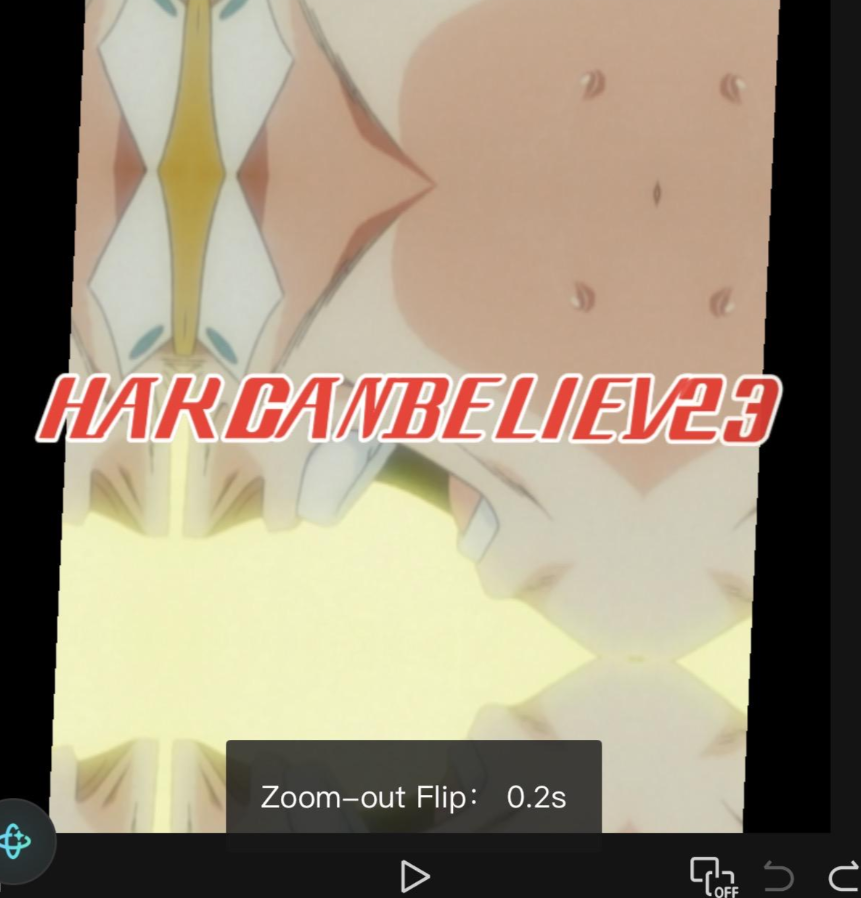
I've attached a screenshot from one of my older edits where I used the transition. Has anyone else noticed this or know what happened?

Hi,
From what you've described (and your screenshot), you're probably not imagining it. CapCut has a history of removing, renaming, or region-locking transitions and animations between updates, and many users have reported previously available effects disappearing.
Your screenshot shows the transition labeled "Zoom-out Flip" (0.2s), which appears to have existed in older versions. However, there isn't any official indication from CapCut that it was simply renamed. Community reports suggest it may have been:
-
Removed in a recent update.
-
Available only in certain regions.
-
Rolled out or withdrawn as part of A/B testing.
-
Temporarily unavailable due to CapCut's cloud-based effects library.
A few things you can try:
-
Use the search bar in the Transitions panel and search for:
-
Flip -
Zoom -
Camera
-
-
Update CapCut if you're on an older version, or if this started after updating, try another device to see if the library differs.
-
Clear CapCut's cache and reopen the app.
-
If you're on mobile, try a different network or region (VPN) some users have reported different transition libraries appearing depending on region.
If you still can't find it, it's likely that Zoom-out Flip has been removed from the current transition library, at least for your version or region. Unfortunately, CapCut has done this with other popular transitions and animations before.
You can get 90–95% of the old Zoom Out Flip transition using keyframes. The effect is basically a fast zoom out + Y-axis flip + slight motion blur/easing.
Method 1: Using Keyframes (works in most recent versions)
Assume you are transitioning from Clip A → Clip B.
Clip A (outgoing)
-
Place the playhead 0.2 seconds before the end of Clip A.
-
Add your first keyframe.
-
Scale: 100%
-
Rotation: 0°
-
-
Move to the last frame of Clip A.
-
Add another keyframe:
-
Scale: 55–70%
-
Rotate 180° (or use the Flip animation if available)
-
Optional: reduce opacity to 90–95%.
-
Clip B (incoming)
-
Go to the first frame.
-
Set:
-
Scale: 55–70%
-
Rotation: 180°
-
-
Move 0.2 seconds forward.
-
Final keyframe:
-
Scale: 100%
-
Rotation: 0°
-
Method 2: Using CapCut 3D Rotation (best match)
This is much closer to the original transition.
Clip A
| Time | Scale | Y Rotation |
|---|---|---|
| Start of transition | 100% | 0° |
| End | 60% | 180° |
Clip B
| Time | Scale | Y Rotation |
|---|---|---|
| Start | 60% | 180° |
| End | 100% | 0° |
Enable:
-
Motion Blur (if available)
-
Ease Out on Clip A
-
Ease In on Clip B
Method 3: Add a camera zoom feel
To make it look more like the original:
-
Duration: 0.15–0.25 seconds
-
Motion Blur: 25–40
-
Ease: Smooth or Ease In/Out
-
Add a tiny bit of Gaussian Blur (5–10) during the midpoint if your version supports keyframing effects.
Timing diagram
Clip A                    Clip B
100% ───────► 60%    60% ───────► 100%
0°   ───────►180°   180° ───────► 0°
      0.2 s                 0.2 s
If your project is anime edits (like your screenshot)
The old Zoom Out Flip was commonly paired with:
-
Motion Blur: 30–50
-
Shake: 1–3
-
Graph/Easing: Smooth
-
Duration: 0.18–0.22 s
Those settings produce the snappy flip-and-zoom style seen in many anime edits from older CapCut versions.