

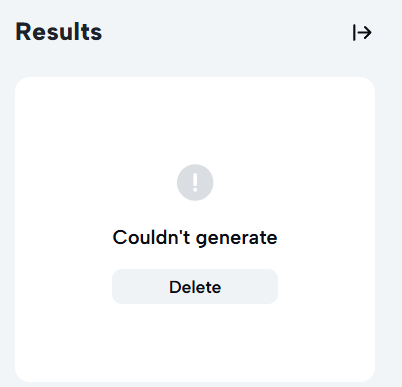
I specifically got capcut pro as i wanted to use the tts feature for my videos however, when i try to generate speech it says "Couldn't generate". Why is this happening?


Hi,
The error which you are noticing is due to few hidden system behaviors or temporary glitches rather than your account status.
1. You hit a daily limit
Even with a Pro subscription, CapCut imposes a hidden daily text-to-speech generation limit to prevent server abuse.
If you have been generating several TTS clips, testing multiple voices, or working on heavy scripts, you might have temporarily triggered this cap.
CapCut unfortunately does not explicitly state this limit in the UI; it just blocks further generation with the "Couldn't generate" error.
2. Character or length limit on a single text box
If the specific block of text you are trying to convert is exceptionally long, CapCut's backend engine will fail to process it all at once and throw this error.
3. Server-side glitches or local cache issues
CapCut's AI voice processing relies entirely on cloud servers. If the CapCut voice synthesis servers are undergoing maintenance or experiencing high traffic, generations will fail instantly.
Fixes to try and workarounds:
-
Split your text into smaller blocks: If you have a paragraph in one text box, try breaking it up into shorter, individual sentences across separate text layers. Generate TTS for them one by one.
-
Try CapCut Online (Web Version): Log into your Pro account via a web browser at capcut.com. The web version uses a different server pipeline and is frequently updated, often bypassing local software bugs or giving you immediate access back to the tool.
-
Log Out and Log Back In: Sometimes CapCut fails to refresh your Pro session token locally, which restricts your usage as if you were a free user. Log out of your account, close the app fully, relaunch it, and sign back in.
-
Wait Out the 24-Hour Reset: If it is a hidden daily limit, the restriction lifts exactly 24 hours after you first triggered it. So try using it after a gap of 24 hours.
If none of these clear the error on smaller blocks of text by tomorrow, then you can proceed to open a ticket with CapCut’s customer support, as it may be an isolated glitch tied to your account or specific region's servers.