AI video generation just took a massive leap forward.
A new model—Seedance 2.0—has officially rolled out worldwide, and it’s now available inside the free video editing app CapCut. That means anyone, anywhere, can start generating high-quality AI videos in seconds—no expensive software or technical skills required.
In this post, I will break down what makes this tool so powerful, how to use it, and what you should know before diving in.
What Is Seedance 2.0?
Seedance 2.0 is an advanced AI video generation model developed by the company behind TikTok (ByteDance). It allows users to create short, realistic videos simply by typing a text prompt.
Think of it like this:
You describe a scene… and the AI brings it to life.
For example:
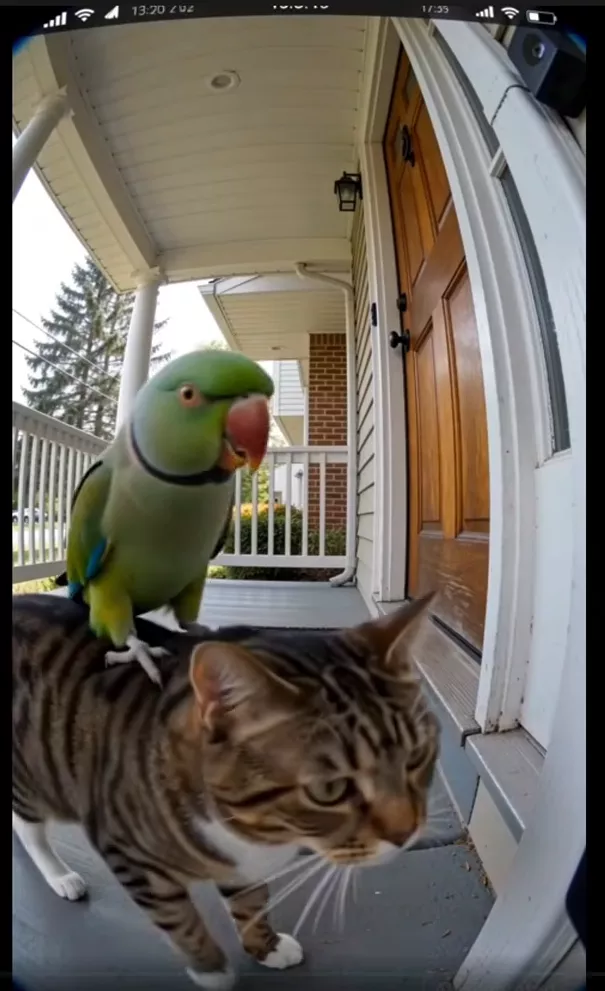
“A cat and a parrot walk up to a doorbell looking for their friend Linda the squirrel.”

Within seconds, you’ll get a fully generated video—complete with visuals, motion, and even dialogue.
Why it matters to all of us as creators
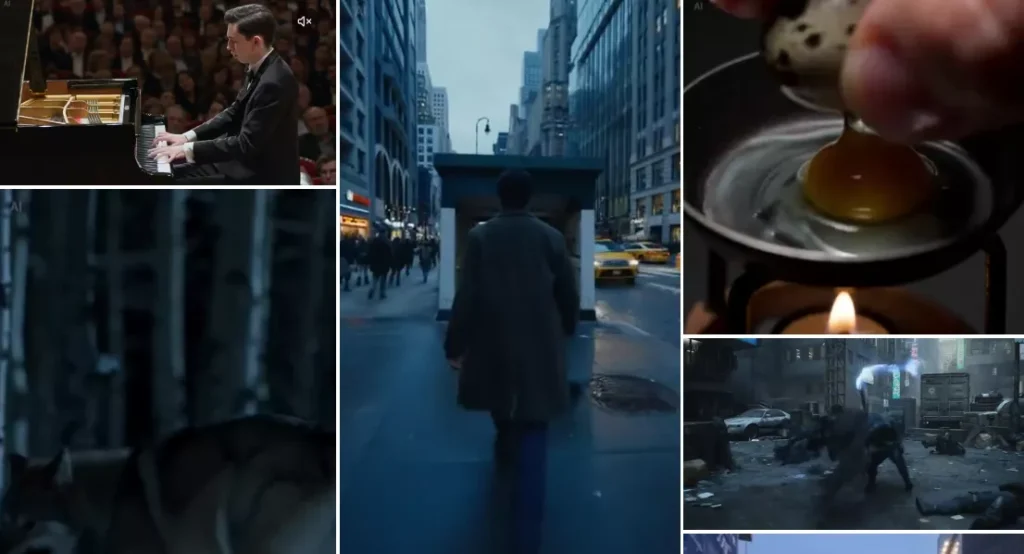
Seedance 2.0 represents a noticeable jump in quality compared to earlier AI video tools. The generated clips feel more coherent, detailed, and usable for real content creation.
Here’s why it stands out:
- Higher realism and smoother motion
- Better scene understanding from prompts
- Fast generation times
- Accessible through a free app
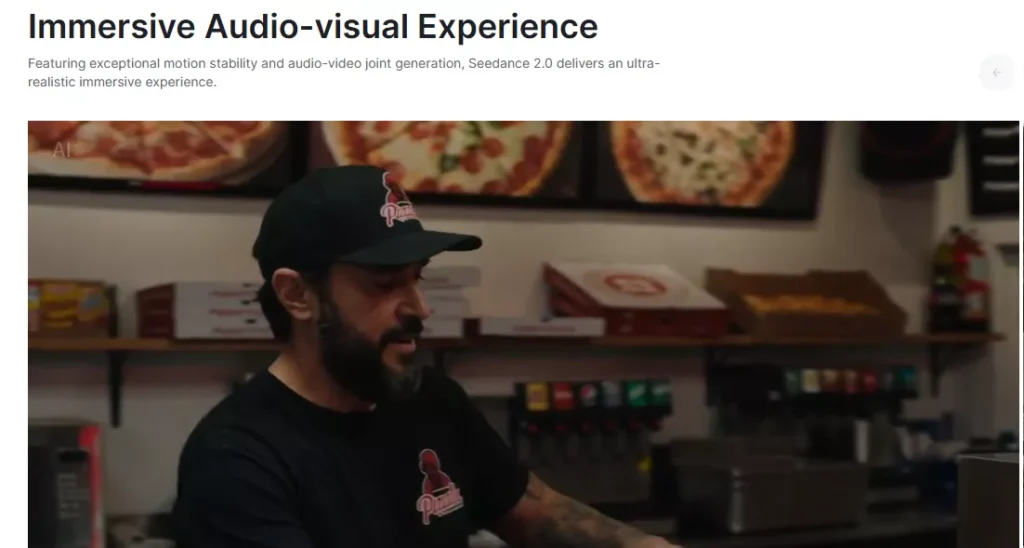
For creators, marketers, and hobbyists alike, this dramatically lowers the barrier to making engaging video content.
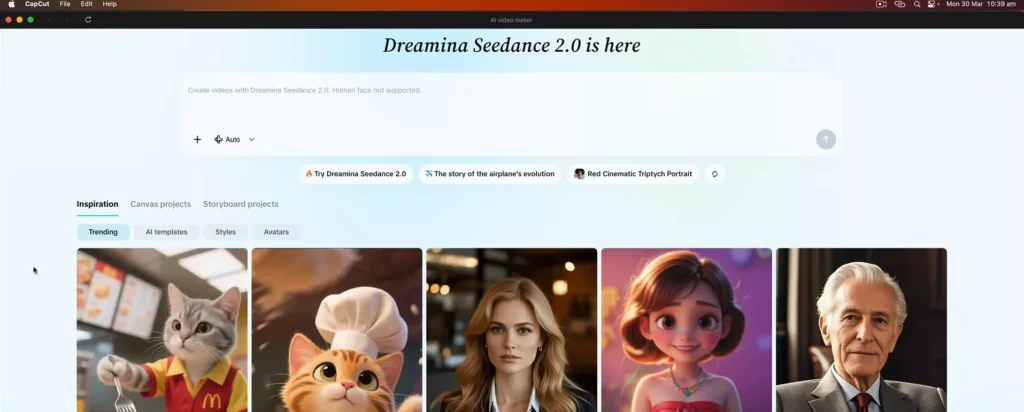
How to Use Seedance in CapCut?
Getting started is surprisingly simple. Whether you’re on desktop or mobile, the process is nearly identical.
Step 1: Open CapCut
Download and launch CapCut (available on PC, Mac, and smartphones, use the links in the menu to download).

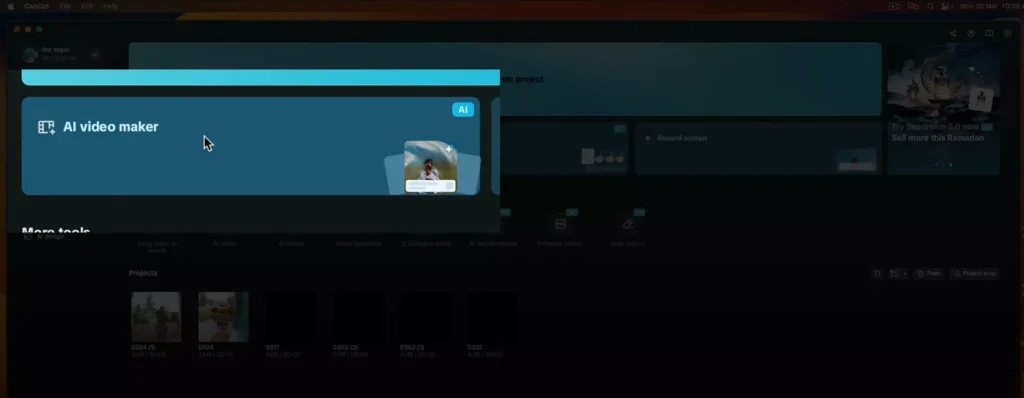
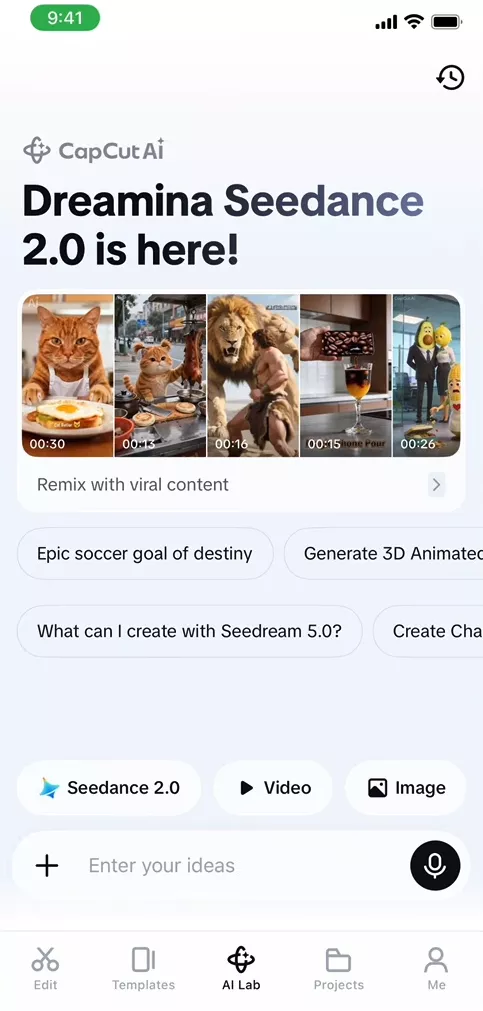
Step 2: Go to AI Video Maker
- On desktop, you’ll see an option labeled “AI Video Maker.”
- On mobile, head to the “AI Lab” section.
Step 3: Enter Your Prompt
Type a description of the video you want to create. The more specific, the better.
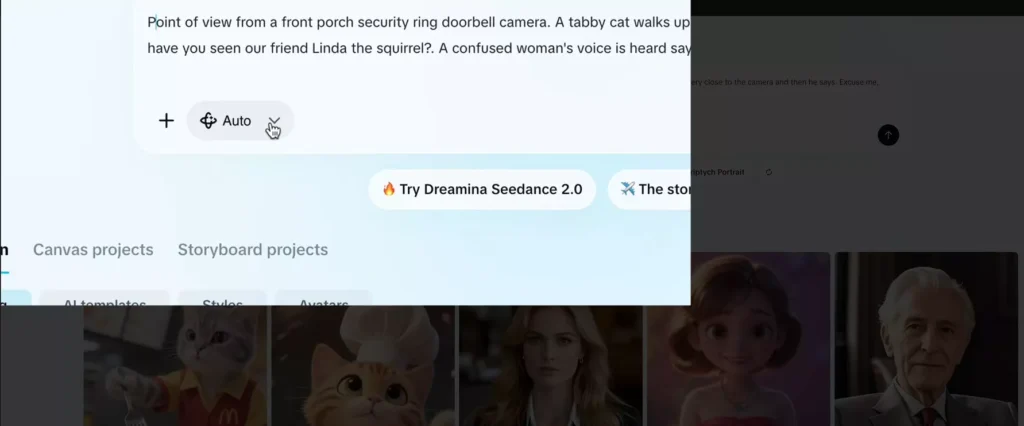
Step 4: Choose Video Settings
- Select “Video” instead of auto mode
- Choose Seedance 2.0 as your model
- Set your format (e.g., vertical 9:16 for social media)
- Pick your duration (e.g., 8 seconds)
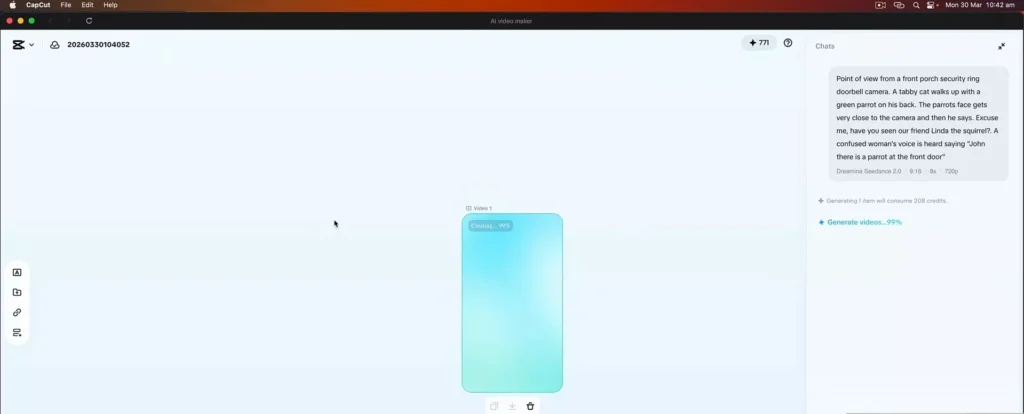
Step 5: Generate
Hit Send, and let the AI do the work.
Within moments, your video will be ready.
Free vs Paid Usage
CapCut gives you free credits to try out Seedance 2.0. However, if you plan to generate a lot of videos, you’ll eventually need to purchase additional credits or upgrade to a Pro plan.
If you are a heavy user, there are also third-party platforms that may offer more cost-efficient generation per video.
Alternative Platforms
Some creators are already using aggregator platforms that integrate multiple AI models:
- Top Media AI – Already supports Seedance 2.0
- OpenArt AI – Currently supports an earlier version (Seedance 1.5)
These platforms can sometimes be more budget-friendly depending on your usage.
How it compares to other AI models?
Seedance 2.0 is already being compared to other major AI video tools—and early impressions suggest it’s a step ahead in terms of quality and usability.
With some competing models being phased out, tools like this are quickly becoming the new standard for AI-powered video creation.
Prompt Writing Tips (How to Get Better Results)
The quality of your AI-generated video depends heavily on your prompt. A vague idea will give you vague results—while a well-structured prompt can produce something surprisingly polished.
A Simple Prompt Formula
Try structuring your prompts like this:
Subject + Action + Environment + Style + Camera + Mood
Examples
- ❌ “a dog running”
- ✅ “a golden retriever running through a sunny park, cinematic lighting, slow motion, shallow depth of field”
- ❌ “city at night”
- ✅ “a futuristic neon-lit city at night, flying cars, cyberpunk style, wide-angle shot, moody atmosphere”
Tips
- Be specific, but not overly complicated
- Include visual details (lighting, style, camera angle)
- Add motion cues (walking, flying, turning, etc.)
- Experiment with different variations
Best Use Cases for Seedance 2.0
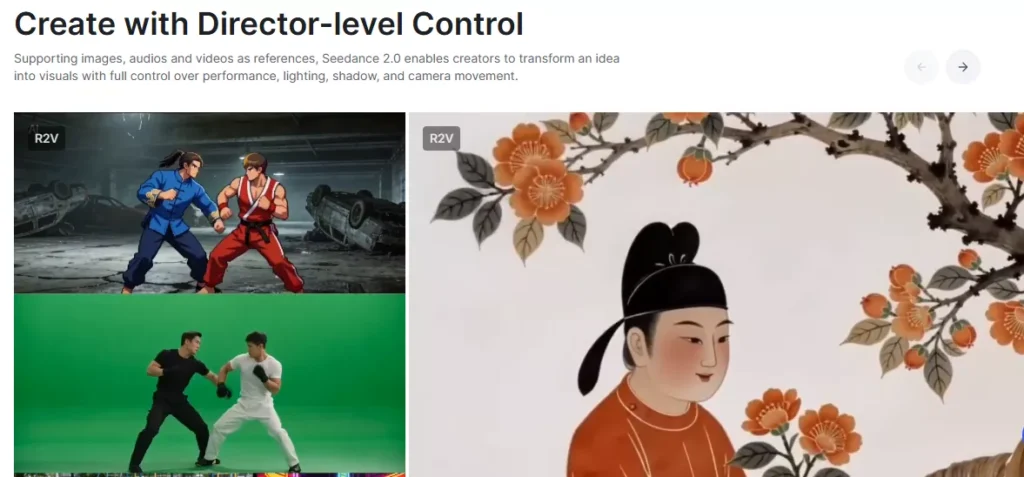
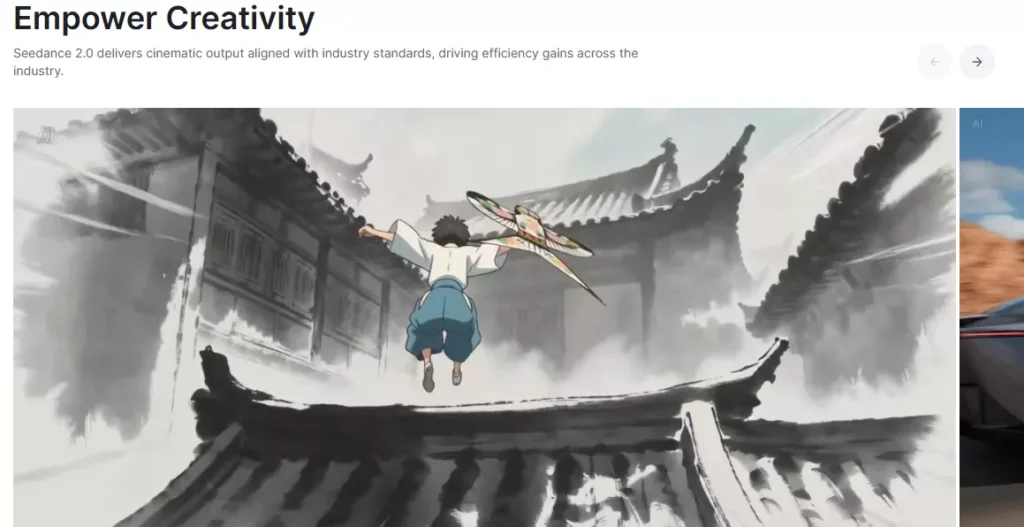
Seedance 2.0 isn’t just a novelty—it’s a practical tool for a wide range of creators.
Social Media Content
Generate short, eye-catching clips for TikTok, Instagram Reels, and YouTube Shorts in seconds.
YouTube B-Roll
Quickly create supporting footage for your videos without filming anything.
Ads & Marketing
Produce multiple creative variations for ads without hiring a full production team.
Storytelling
Bring short stories, ideas, or concepts to life visually.
Idea Prototyping
Test video concepts before investing time and money into full production.
Limitations & Things to Watch Out For
As powerful as Seedance 2.0 is, it’s not perfect—and knowing its limitations will help you use it more effectively.
- Character consistency can vary across clips
- Physics and motion may occasionally look unnatural
- Fine control is limited compared to manual editing
- Costs can add up if you generate a large volume of videos
Understanding these trade-offs helps you set realistic expectations and work around them.
Tips to Get Better Results Faster
Want to level up quickly? These small tweaks can make a big difference:
- Keep prompts clear and focused
- Generate multiple versions and pick the best
- Use vertical (9:16) for social-first content
- Think in “shots” rather than full stories
- Iterate—don’t expect perfection on the first try
Example Prompt Breakdown
Let’s break down a simple prompt to understand why it works:
“A cat and a parrot walk up to a doorbell looking for their friend Linda the squirrel.”
What’s happening here:
- Characters: cat, parrot
- Action: walking up to a doorbell
- Story hook: looking for a missing friend
- Tone: playful and slightly comedic
Improved Version:
“A curious cat and a colorful parrot walking up to a suburban house doorbell, cinematic style, soft daylight, shallow depth of field, playful tone”
By adding visual and stylistic details, you guide the AI toward a more polished result.
Comparison: Seedance 2.0 vs Other AI Video Tools
| Feature | Seedance 2.0 | Sora | Runway | Pika |
|---|---|---|---|---|
| Video Quality | High | High | Medium | Medium |
| Ease of Use | Very Easy | Moderate | Easy | Easy |
| Speed | Fast | Moderate | Fast | Fast |
| Availability | Public (CapCut) | Limited | Public | Public |
| Cost | Credits-based | Unknown | Subscription | Freemium |
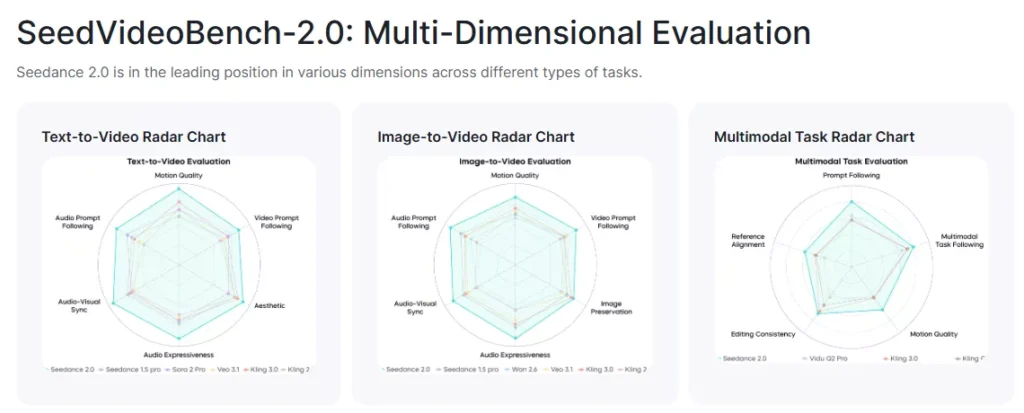
Seedance 2.0 stands out for its accessibility and simplicity, especially for beginners.
Who Should Use This Tool?
Seedance 2.0 is versatile enough for multiple types of users:
- Beginners → No editing experience needed
- Content Creators → Produce content faster
- Agencies → Prototype ideas quickly
- Entrepreneurs → Create videos without large budgets
If you need video content quickly and affordably, this tool is worth exploring.
The Future of AI Video Creation
We’re only at the beginning of what AI video can do.
In the near future, we can expect:
- Personalized videos generated at scale
- AI replacing large portions of stock footage
- Faster content production cycles
- Hybrid workflows combining AI and human editing
Tools like Seedance 2.0 are just the first glimpse of a much bigger shift.
Read Also: CapCut AI Design: How I Built an Ad Campaign from 1 Photo
Example Workflow Using Seedance 2.0
Here’s a simple way to integrate it into your content creation process:
- Write prompts for your video idea
- Generate clips using Seedance 2.0
- Import clips into CapCut
- Add music, captions, and transitions
- Export for TikTok, YouTube, or Instagram
This workflow lets you go from idea → finished video in minutes.
Get Started Today
The best way to understand the power of Seedance 2.0 is to try it yourself.
Start simple:
- Write 2–3 prompts
- Generate a few variations
- Experiment and refine
AI video creation rewards creativity and iteration—so don’t aim for perfection right away. Just start creating.
Frequently Asked Questions (FAQ)
1. What is Seedance 2.0?
Seedance 2.0 is an AI-powered video generation model that creates short videos from text prompts. It’s integrated into CapCut, making it easy for anyone to generate videos without filming or editing experience.
2. Is Seedance 2.0 free to use?
Yes—CapCut provides free credits so you can try Seedance 2.0. However, if you want to generate a large number of videos, you’ll need to purchase additional credits or upgrade to a paid plan.
3. Do I need video editing experience to use it?
Not at all. Seedance 2.0 is designed for beginners. If you can type a prompt, you can create a video. Any additional editing (like captions or music) can be done easily inside CapCut.
4. What kind of videos can I create?
You can create a wide range of content, including:
Social media clips (TikTok, Reels, Shorts)
Story-driven scenes
Marketing visuals
Creative experiments and animations
The output depends entirely on your prompt.
5. How long can the generated videos be?
Currently, videos are short-form (typically a few seconds long). This makes them ideal for social media and quick content creation.
6. Can I use these videos for commercial purposes?
In most cases, yes—but it’s important to review CapCut’s terms of service and licensing guidelines to ensure compliance, especially for client work or ads.
7. Why do some videos look strange or unrealistic?
AI video generation is still evolving. Occasionally, you may see:
Unnatural movements
Visual glitches
Inconsistent characters
This is normal, and results usually improve with better prompts and multiple attempts.
8. How can I improve my results?
Be more specific in your prompts
Add details like lighting, style, and camera angle
Generate multiple versions and choose the best
Keep refining your prompt based on results
9. Is Seedance 2.0 better than other AI video tools?
It depends on your needs, but Seedance 2.0 stands out for its ease of use, speed, and accessibility, especially since it’s built into a free app like CapCut.
10. Can I use Seedance 2.0 on my phone?
Yes. Seedance 2.0 works on both desktop and mobile versions of CapCut. The workflow is nearly identical across devices.
11. Do I need an internet connection?
Yes. Video generation happens in the cloud, so you’ll need an active internet connection to create videos.
12. What’s the best way to get started?
Start simple:
Write a basic prompt
Generate a video
Improve your prompt and try again
Learning by experimenting is the fastest way to get better results.
Final Thoughts
AI video generation is no longer a futuristic concept—it’s here, it’s powerful, and it’s accessible to everyone.
With Seedance 2.0 built directly into CapCut, you can:
- Turn ideas into videos instantly
- Experiment creatively without technical barriers
- Produce content faster than ever before
Whether you’re creating social media clips, storytelling content, or just experimenting for fun, this tool is worth trying out.
Have you tried AI video generation yet?
Now might be the perfect time to start.