If you are editing short-form videos in 2026, chances are you have bumped into the same question over and over again:
Is CapCut Pro actually worth paying for — or is the free version enough?
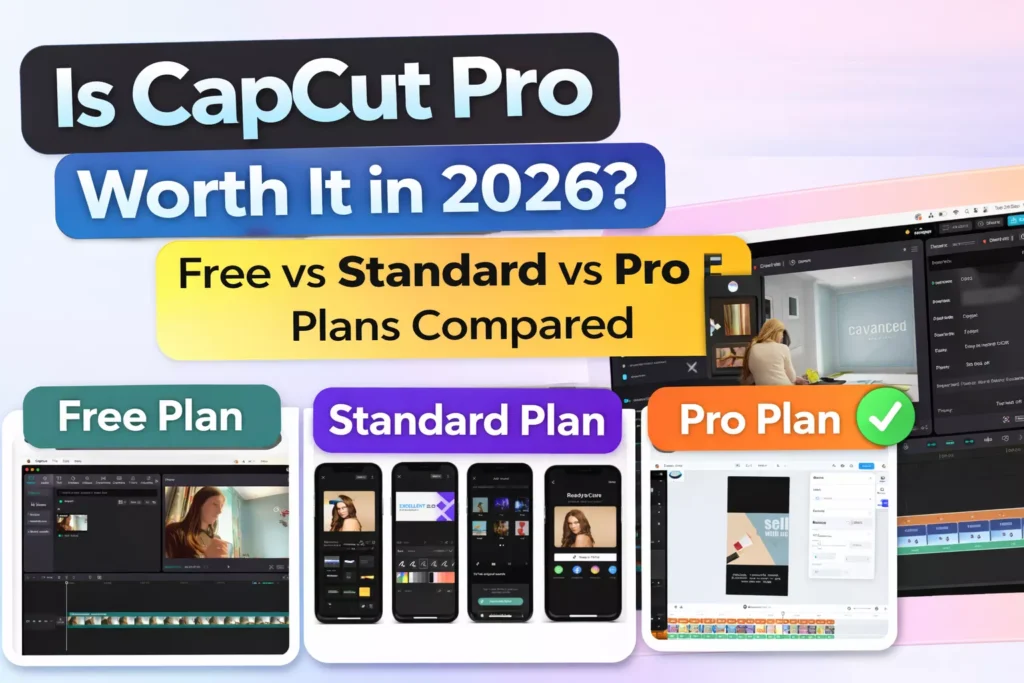
CapCut has grown from a casual TikTok editor into a surprisingly powerful all-in-one video editing platform. But with Free, Standard, and Pro tiers now offering different limits, export options, and AI tools, the real differences aren’t always obvious at first glance.
This guide breaks it all down — including hidden features like 4K/60fps exports, AI Body Reshaper, cloud storage limits, and watermark rules — so you can decide which version makes sense for you.
Quick Overview: CapCut Plans in 2026
| Plan | Best For | Price (Approx.) |
|---|---|---|
| Free | Casual creators, beginners | $0 |
| Standard | Regular social creators | $9.99 per month or $89.99 billed annually |
| Pro | Serious creators & businesses | $19.99 per month or $179.99 billed annually |
Let’s dig into what actually changes as you move up.
CapCut Free: What You Get and What You Don’t
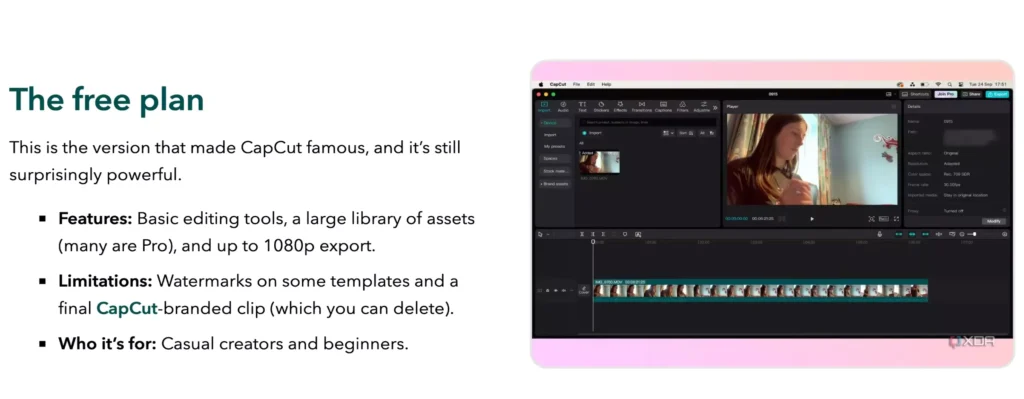
CapCut Free is still one of the most generous free video editors available — but it comes with real limitations once you scale.
What’s Included
- 1080p exports (limited frame rate)
- Basic transitions & effects
- Auto captions (limited usage)
- Manual keyframe animation
- Basic templates & filters
Key Limitations
- No 4K or 60fps exports
- Watermark on many templates
- Very limited cloud storage
- Restricted AI features
- Fewer commercial-use assets
Who it’s for:
If you’re posting casually, learning video editing, or uploading occasional TikToks or Reels, the free version is surprisingly usable.
CapCut Standard: The Middle Ground Most People Miss
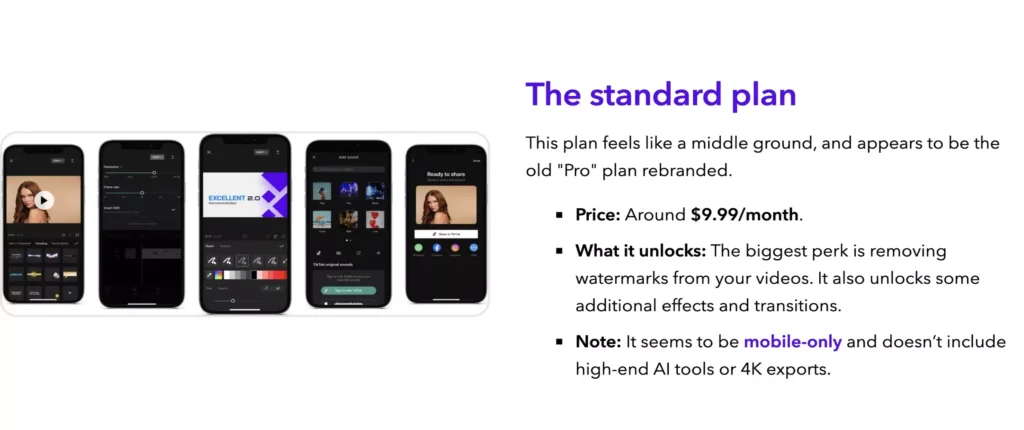
CapCut Standard is often overlooked — but it quietly unlocks some of the most practical upgrades.
What Changes vs. Free
- Higher export limits (including smoother frame rates)
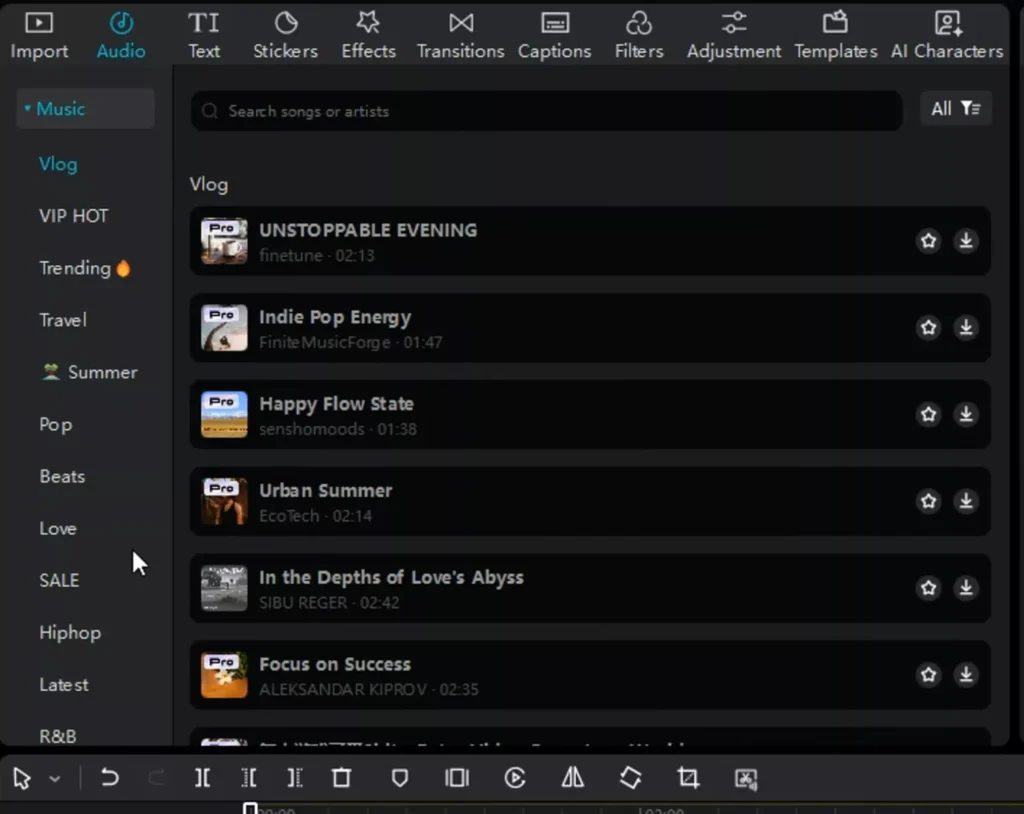
- More transitions, fonts, and music
- Expanded caption styles
- Reduced watermark usage
- Moderate cloud storage upgrade
Still Missing
- Full AI tool access
- Advanced body reshaping
- Maximum 4K/60fps exports
- Priority processing speeds
Who it’s for:
Creators who post consistently but don’t rely heavily on AI tools — especially Instagram and TikTok users who want cleaner exports without jumping to Pro pricing.
CapCut Pro: What You’re Actually Paying For
CapCut Pro is where the real power lives — and where most of the “hidden” features finally unlock.
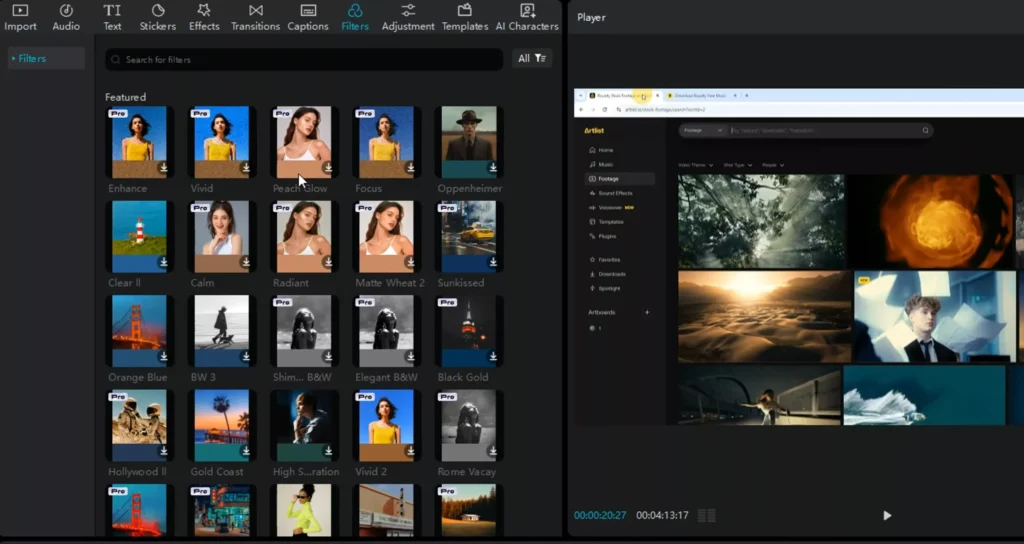
Key Pro-Only Features in 2026
1. 4K / 60fps Exports
Perfect for YouTube, cinematic reels, and repurposing content across platforms without quality loss.
2. AI Body Reshaper
- Automatic body proportion adjustments
- Subtle slimming and posture correction
- Frame-by-frame tracking (no manual masking)
This alone is a deal-maker for many creators.
3. Full AI Suite
- AI background removal
- AI voice generation & enhancement
- Smart auto-cuts & beat matching
- Advanced auto captions with emoji styling
Read Also: Top 10 CapCut AI Features in the 2026 Update
4. Large Cloud Storage
- Seamless cross-device editing
- Project backups
- Faster rendering & syncing
5. Commercial Asset License
- Pro music, fonts, effects cleared for monetization
- Safer for brand deals and ads
Read Also: How to Create your own free CapCut “Brand Kit” in Google Drive?
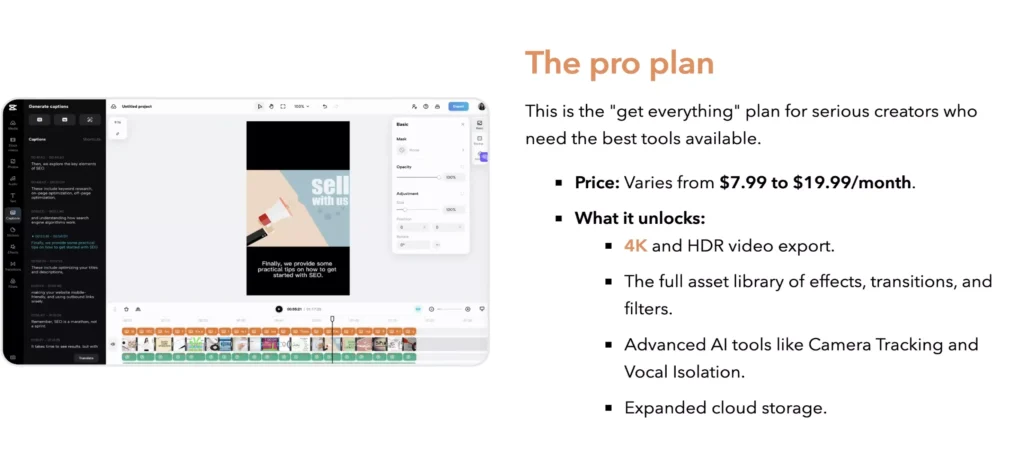
Feature Comparison Table (Free vs. Standard vs. Pro)
| Feature | Free | Standard | Pro |
|---|---|---|---|
| Max Export Quality | 1080p | 1080p+ | 4K / 60fps |
| Watermark Removal | ❌ | Partial | ✅ |
| AI Body Reshaper | ❌ | ❌ | ✅ |
| AI Background Removal | Limited | Limited | Full |
| Auto Captions | Basic | Enhanced | Advanced AI |
| Cloud Storage | Very Low | Medium | High |
| Commercial Assets | ❌ | Partial | Full License |
| Best For Monetization | ❌ | ⚠️ | ✅ |
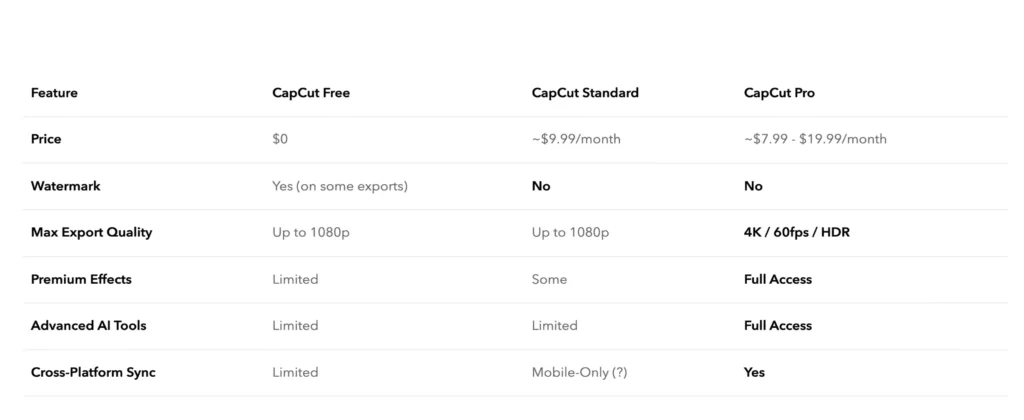
Is CapCut Pro Worth It? My recommendation based on Creator Type
Best for Instagram Reels Creators
CapCut Standard or Pro
If you post daily and care about smooth exports, better captions, and clean visuals, Standard is the minimum. Pro is worth it if you use AI tools heavily.
Best for YouTube Editors
CapCut Pro (No Question)
4K/60fps exports, cloud backups, and commercial assets make Pro the clear winner for long-form or monetized content.
Best for AI-Driven Creators
CapCut Pro
If you rely on AI body reshaping, auto cuts, background removal, or voice tools — Pro pays for itself fast.
Best for Beginners & Casual Users
CapCut Free
You don’t need to pay unless you feel the limitations. Free is still excellent for learning and light posting.
Final Verdict: Should You Pay for CapCut Pro in 2026?
CapCut Pro is worth it if:
- You monetize your content
- You need 4K or 60fps exports
- You use AI tools regularly
- You want watermark-free, commercial-safe assets
Stick with Free or Standard if:
- You post casually
- You don’t need advanced AI
- You’re mainly on TikTok or Reels at 1080p
Bottom line: CapCut Pro isn’t for everyone — but for serious creators in 2026, it’s one of the best value editing subscriptions available.
Pricing Breakdown: Is CapCut Pro Worth the Cost Over Time?
CapCut’s pricing looks inexpensive at first glance — but the real question is whether the value scales with how often you create content.
CapCut Pricing in 2026 (Typical)
| Plan | Monthly | Annual (Approx.) |
|---|---|---|
| Free | $0 | $0 |
| Standard | Low monthly fee | Discounted yearly |
| Pro | Higher monthly | Best value annually |
Reality check:
If you publish videos regularly, CapCut Pro costs less per month than a single stock music subscription.
Read: CapCut’s official pricing and plan details
Cost-Per-Video Perspective
If you post:
- 30 videos/month → Pro costs pennies per video
- Daily short-form content → AI tools alone can save hours weekly
- Monetized videos → One sponsored post often covers a full year
Bottom line:
For active creators, CapCut Pro is not a “software expense” — it’s a time-saving tool with measurable ROI.
CapCut Pro vs Competitors (Is Anything Better?)
CapCut doesn’t compete head-to-head with traditional desktop editors — it competes on speed, AI automation, and creator workflow.
CapCut Pro vs Adobe Premiere Pro
- CapCut wins: Speed, ease of use, AI captions, mobile editing
- Adobe wins: Advanced color grading, complex timelines
- Verdict: Adobe is for filmmakers; CapCut is for creators
Read Also: CapCut vs Premiere Pro: Which Video Editor is better?
CapCut Pro vs Final Cut Pro
- CapCut wins: Subscription flexibility, AI tools, templates
- Final Cut wins: Raw performance on Mac, cinematic control
- Verdict: Final Cut is overkill for short-form creators
CapCut Pro vs DaVinci Resolve (Free)
- CapCut wins: Ease of use, social templates, captions
- Resolve wins: Color science, professional workflows
- Verdict: Resolve is powerful but slow for social content
Overall takeaway:
CapCut Pro isn’t trying to replace professional editors — it’s designed to help creators publish faster and more consistently.
Mobile vs Desktop: Where CapCut Pro Shines Most
CapCut’s biggest strength in 2026 is its cross-platform workflow.
Mobile Experience
- Full access to templates
- Fast caption editing
- Ideal for TikTok & Reels
- Some AI tools are cloud-dependent
Desktop Experience
- Better timeline control
- Faster bulk editing
- More stable 4K exports
- Easier long-form YouTube edits
Cloud Sync Advantage
CapCut Pro’s cloud storage lets you:
- Start edits on mobile
- Finish on desktop
- Recover projects instantly
- Avoid local storage limits
Best setup:
Mobile for speed → Desktop for polish.
Export & Quality Testing: What Actually Changes?
Marketing claims aside, export quality is one of the clearest differences between plans.
Free & Standard Exports
- 1080p only
- Heavier compression
- Limited frame rate options
- More artifacts on fast motion
Pro Exports
- True 4K resolution
- 60fps support
- Higher bitrates
- Cleaner motion and gradients
Who notices the difference?
- YouTube creators
- Reposted TikToks on Instagram
- Anyone cropping or zooming in post-export
If quality consistency matters, Pro is the only plan that holds up long-term.
Read: YouTube’s recommended upload encoding settings
Monetization & Commercial Use Explained
This is one of CapCut’s most misunderstood areas.
Free & Standard Risks
- Some music and effects are not cleared for ads
- Potential issues with brand deals
- Risk of muted or claimed videos
CapCut Pro Advantages
- Commercial-use licensed assets
- Safer for YouTube monetization
- Better brand deal compliance
- Lower Content ID risk
If you earn money from content — even occasionally — Pro reduces legal and platform risks.
AI Feature Deep Dive: What’s Gimmick vs Useful?
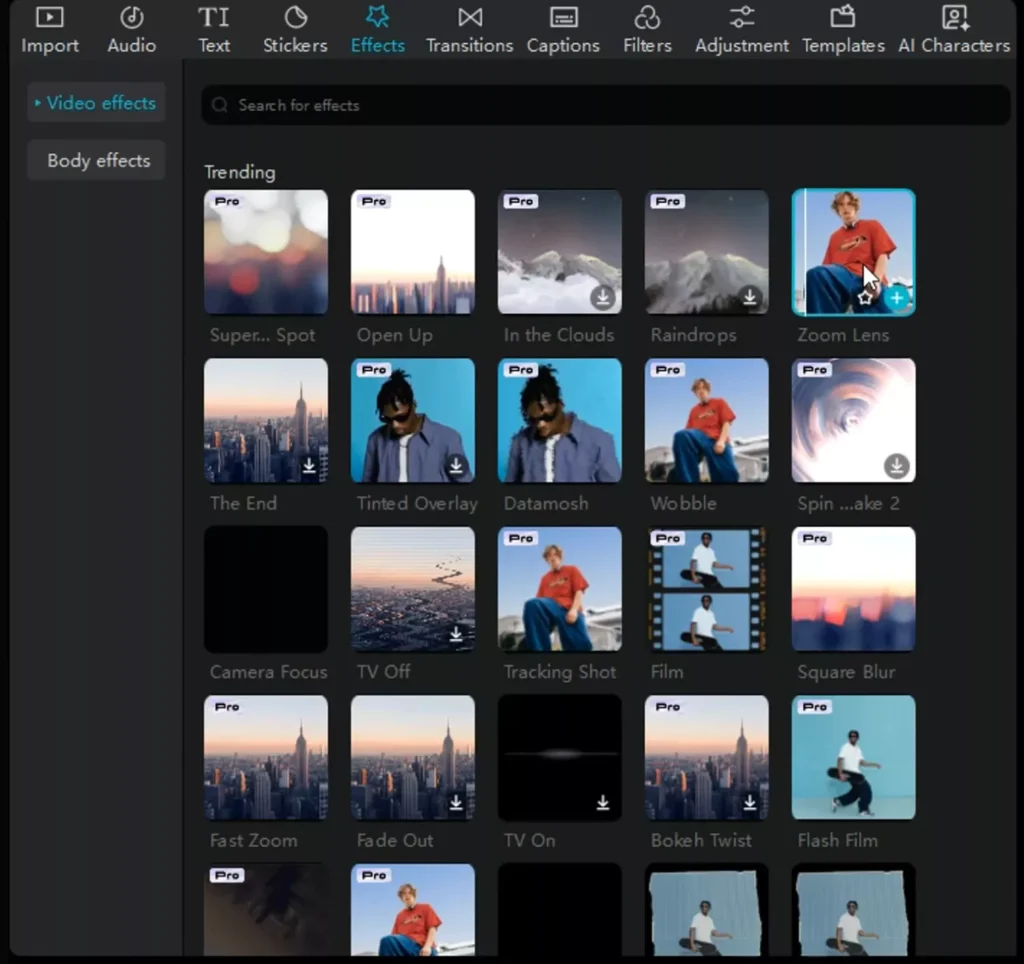
AI Body Reshaper
- Subtle, realistic adjustments
- Tracks motion well
- Best for talking-head videos
- Not suitable for extreme changes
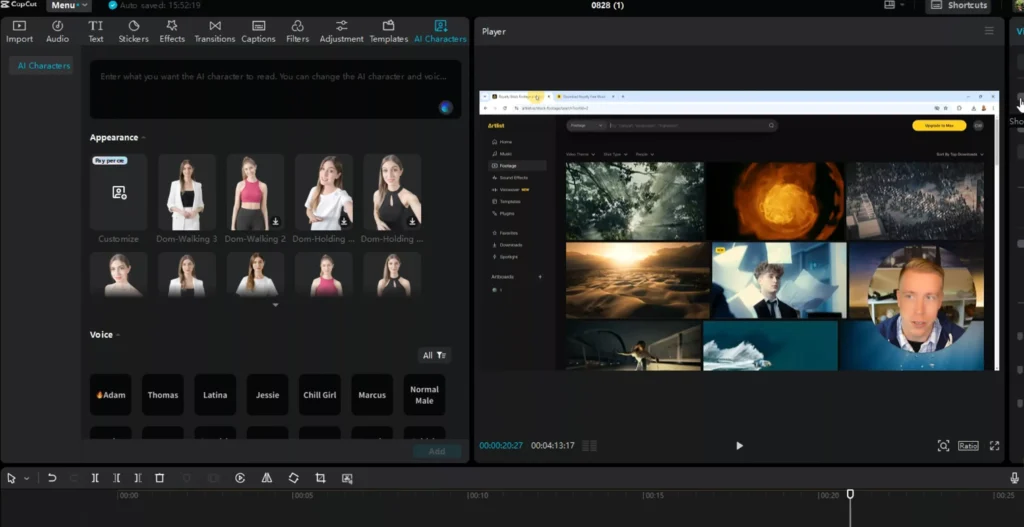
AI Background Removal
- Works well with clean lighting
- Faster than manual masking
- Ideal for short-form content
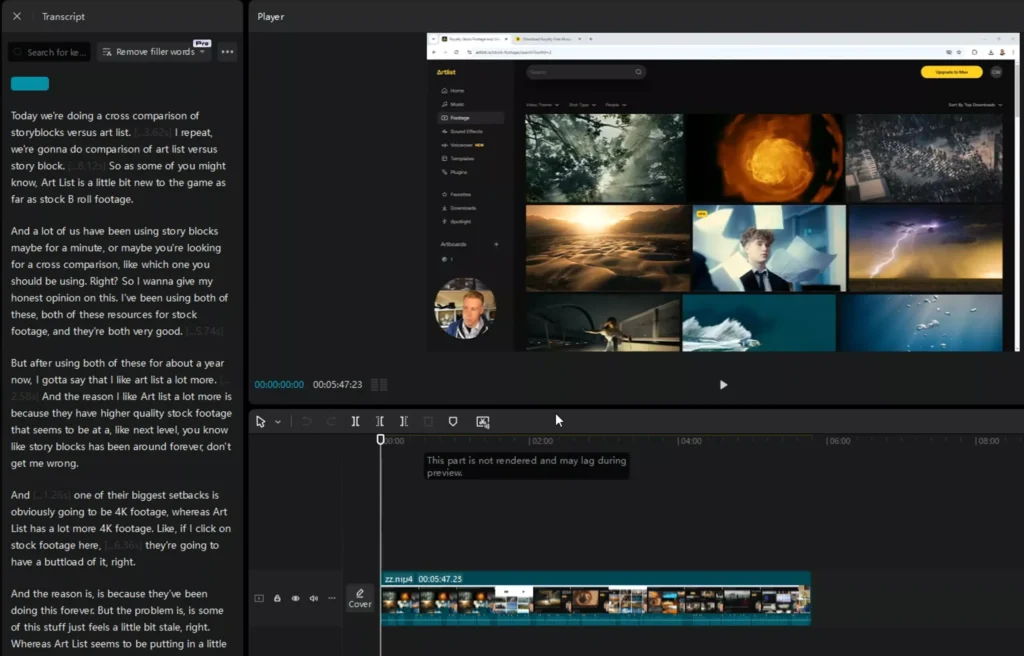
AI Auto Captions
- High accuracy
- Style presets for TikTok & Reels
- Saves hours vs manual captioning
AI Voice Tools
- Useful for faceless content
- Still inferior to real voiceovers
- Improving rapidly year over year
Verdict:
CapCut’s AI tools aren’t gimmicks — they’re workflow accelerators.
Read Also: Best AI Video Generators in 2026 + CapCut Workflow Guide
Performance & Hardware Requirements
CapCut is lighter than traditional editors, but Pro features still benefit from decent hardware.
Recommended Setup
- 16GB RAM (ideal)
- SSD storage
- Dedicated GPU (desktop)
- Stable internet for AI features
Older Devices
- Free & Standard run fine
- Pro exports may take longer
- Cloud features help reduce strain
CapCut remains one of the most accessible editors for lower-end machines.
Frequently Asked Questions About CapCut Pro (2026)
Is CapCut Pro worth it in 2026?
CapCut Pro is worth it if you create content consistently, monetize videos, or rely on AI tools like auto captions, background removal, or body reshaping. Casual users who post occasionally can still get good results with the free version, but serious creators benefit most from Pro’s time savings and export quality.
What is the difference between CapCut Free, Standard, and Pro?
The main differences are export quality, AI feature access, cloud storage, and commercial-use rights.
Free is best for beginners and casual posting.
Standard removes some limits and improves exports.
Pro unlocks 4K/60fps exports, full AI tools, watermark-free assets, and safer monetization.
Does CapCut Pro remove all watermarks?
CapCut Pro removes watermarks from exports and templates that are restricted in the free version. Some third-party content may still have usage limitations, but Pro eliminates watermark issues for most creators.
Can I use CapCut Pro for YouTube monetization?
Yes. CapCut Pro includes a broader selection of commercially licensed music, effects, and fonts, making it safer for YouTube monetization and brand deals compared to the free version.
Does CapCut Pro support 4K and 60fps exports?
Yes. CapCut Pro supports true 4K resolution and 60fps exports, which are not fully available in the free or Standard plans. This is one of the biggest reasons creators upgrade.
Is CapCut Pro better than Adobe Premiere Pro?
CapCut Pro is better for speed, simplicity, AI automation, and short-form content. Adobe Premiere Pro is better for complex timelines, cinematic color grading, and professional film workflows. Most social media creators prefer CapCut Pro for efficiency.
Can I cancel CapCut Pro anytime?
Yes. CapCut Pro is a subscription service, and you can cancel at any time. Your plan remains active until the end of the current billing cycle.
What happens to my projects if I cancel CapCut Pro?
You keep access to your projects, but Pro-only features may be locked. Exports may revert to free limits, and Pro assets may no longer be usable in new exports.
Does CapCut Pro work on both mobile and desktop?
Yes. CapCut Pro works across mobile and desktop, with cloud syncing that allows you to start editing on one device and finish on another. Some advanced controls are easier on desktop.
Is an internet connection required for CapCut Pro?
Basic editing works offline, but AI-powered features, cloud storage, and some assets require an internet connection.
Is CapCut Pro good for beginners?
Yes. CapCut Pro is beginner-friendly and doesn’t add complexity — it simply unlocks more features. New users can start with Free and upgrade once they hit limitations.
Does CapCut Pro include AI auto captions?
Yes. CapCut Pro includes advanced AI auto captions with higher accuracy, faster processing, and more styling options compared to the free version.
Who should not buy CapCut Pro?
CapCut Pro may not be ideal for users who:
Edit feature-length films
Need advanced color grading tools
Work entirely offline
Prefer one-time software purchases
Common Complaints & Deal-Breakers
No software is perfect.
Common Criticisms
- Subscription-only Pro tier
- Internet required for AI tools
- Limited advanced color grading
- Less control than professional NLEs
These aren’t flaws — they’re trade-offs for speed and simplicity.
Other issues you need to take note of:
- Pro subscription recognition issues
- Difficulty in cancelling subscription
- Difficulty in obtaining a refund
However, we have covered in detail guides (as linked above) to resolve these issues if you ever come across one.
Who Should Not Buy CapCut Pro?
CapCut Pro is not ideal if you:
- Edit feature-length films
- Need deep color grading control
- Work fully offline
- Prefer one-time software purchases
For everyone else? It’s hard to beat.
Quick Decision Guide
- Monetize content? → Pro
- Need 4K or 60fps? → Pro
- Casual posting only? → Free
- Post consistently but light editing? → Standard
You can watch the video below to see how you can edit videos using CapCut: