

For the first time in a long time, I'm using Capcut on a PC, and I'm clueless. I used their sound effect library to add sound effects to my movie, but when I export it, it is quiet. How can I resolve this?

Hi,
This is a common CapCut PC issue, and it is fixable. The sound effects can export with the video, but one or more settings is almost certainly muting them during export.
Below is a clear, step-by-step checklist to get your sound effects exporting correctly in CapCut (PC version).
Check the sound effect track volume (most common cause)
In CapCut PC, sound effects have their own volume controls.
What to do:
-
Click on a sound effect in the timeline
-
Look at the right-hand panel → Audio
-
Make sure:
-
Volume is NOT at 0%
-
Fade In / Fade Out isn’t reducing it to silence
-
Mute icon is OFF
-
Even if you hear it during preview, export may ignore muted or zero-volume clips.
Make sure the sound effects are not muted at track level
Check this:
-
On the left side of the timeline, look for a speaker icon
-
If it’s crossed out ❌ → that track will NOT export audio
-
Click it once to unmute
- If you have many sound effects, you might have accidentally hit the "Mute Track" button for that specific layer.
Verify export audio settings
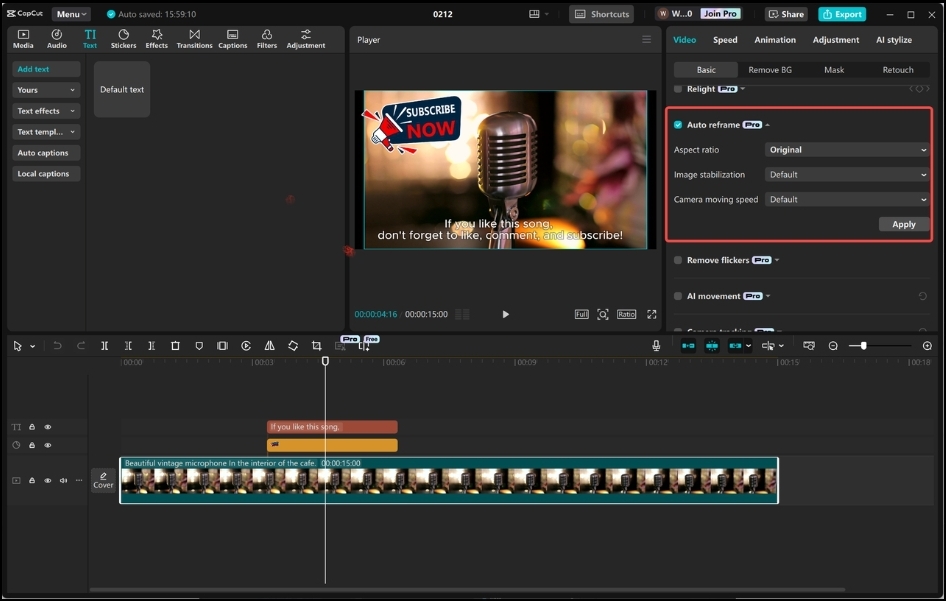
-
Click Export
-
Confirm:
-
Audio is enabled
-
Format is MP4 (H.264) or another standard format
-
Audio codec is AAC
-
Bitrate is 192 kbps or higher
-
If audio is disabled here, CapCut will export a silent video even if playback works inside the editor.
Export Audio: CapCut PC has a separate "Export Audio" checkbox. If you check this, it generates a separate MP3/WAV file alongside your video.
Sometimes users accidentally uncheck Video and only check Audio, or vice versa. Make sure your video settings are active and the bitrate isn't set to zero.
Confirm the sound effects are on an Audio Track (not disabled clips)
Some CapCut library effects can bug out.
Fix:
-
Right-click a sound effect
-
Choose Detach / Extract audio
-
Or delete and re-add the sound effect from the library
Test with a quick audio-only export
Before re-exporting your full movie:
-
Export 5–10 seconds with sound effects
-
Play it outside CapCut (VLC, Windows Media Player)
-
If it works → your main project will too
Disable Hardware Encoding
If the audio exists but is failing to render into the final file, your graphics card might be struggling with the encoding process.
-
Go to Menu (top left) > Settings.
-
Click the Performance tab.
-
Uncheck "Speed up hardware encoding".
-
Restart CapCut and try exporting again. This forces your CPU to handle the audio/video stitching, which is slower but much more reliable.
The "Pro" Feature Check
Check if any of the sound effects you used have a small "Pro" icon on them. If you aren't a Pro subscriber, CapCut sometimes allows you to add them to the timeline for testing but will mute them or block the export until they are removed or paid for.
Last resort
-
Save project
-
Close CapCut
-
Reopen CapCut
-
Re-export
CapCut PC occasionally fails to initialize audio tracks correctly until restart.
Known CapCut PC quirk
Some built-in sound effects preview normally but export at 0 dB if:
-
Track was duplicated
-
Effect was trimmed too tightly
-
Effect was imported before a version update
Re-adding the sound effect fixes this instantly.
Summary (Quick Fix Order)
-
Check clip volume
-
Check track mute
-
Check export audio settings
-
Re-add sound effects
-
Restart CapCut
Can you tell us the below details for us to help you better:
-
Your CapCut version
-
Whether the sound effects are library effects or imported files