

The video shifts slightly to the left each time I add text on my CapCut PC; is this unique to me?

Hi,
No, it is not just you as this is a fairly common CapCut PC problem.
Why your video shifts when adding text in CapCut (PC)
CapCut on Windows/macOS can slightly move the canvas when text layers are added. The most common reasons are below.
1) Canvas auto-recenter / snap behavior (most common)
When you add a Text layer, CapCut often:
-
Re-centers the preview canvas
-
Applies a tiny auto-snap adjustment
-
This can look like the video shifts a few pixels left even though the clip itself hasn’t actually moved. (see the image below)
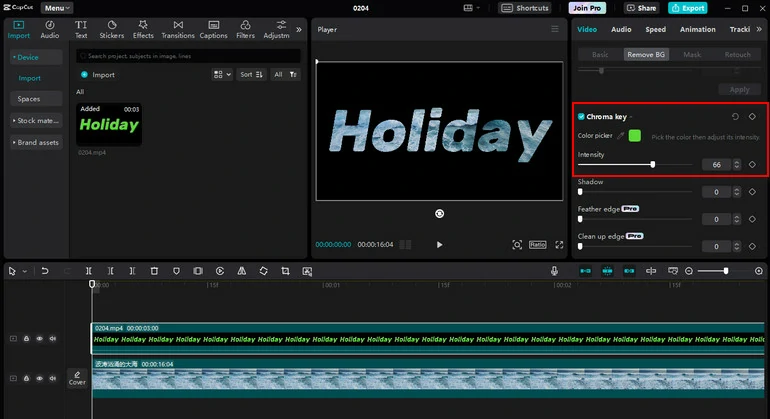
This is preview behavior, not a real position change in the exported video (most of the time).
2) Text layer anchor affecting the preview
Text objects have:
-
An anchor / bounding box
-
Alignment rules relative to the canvas
When CapCut calculates that anchor, it can momentarily nudge the preview to keep the text “centered,” making the background video appear to slide.
3) GPU / display scaling issues which is very common on PC
This happens more if:
-
Windows display scaling ≠ 100% (e.g. 125% or 150%)
-
GPU acceleration is enabled
-
High-DPI monitor is used
The shift is generally 1–3 pixels, which is very noticeable when editing.
4) Zoom level illusion
If your preview is set to:
-
Fit
-
Auto
-
Or anything other than 100%
CapCut may slightly adjust zoom when a new layer is added, creating the illusion that the video moved.
How to reduce or stop it
Try these in order which we have suggested our other users as well:
Set preview zoom manually
-
Set preview to 100% instead of Fit/Auto
Lock the video layer
-
Select the video track
-
Click Lock
-
Add text after locking
Disable GPU acceleration if it’s annoying
-
Settings → Performance
-
Toggle Hardware Acceleration OFF
-
Restart CapCut
Check Windows display scaling
-
Windows Settings → Display
-
Temporarily set scaling to 100%
-
Restart CapCut
Ignore it if export is correct
In many cases:
-
Exported video is perfectly stable
-
Only the editor preview shifts
Is this a bug?
Yes and it is best described as a long-standing desktop UI bug / preview refresh issue, not user error. Mobile CapCut does not usually show this behavior.
Can you tell us more about:
-
Windows or macOS?
-
Display scaling %
-
GPU model
We can give you exact settings to minimize it for your system.