

During my editing session, CapCut explicitly displayed the message “Saved to project” at the top of the screen, and I also manually synced the project to my CapCut Space. The sync completed successfully without any error or warning.
However, after closing and reopening CapCut, the project in my Space reverted to an older version, and none of my latest changes were saved or applied. The work is missing both locally and in the Space, despite clear confirmation that the project was saved and synced.
I have already attempted all available recovery steps, including checking local draft and JSON files, but CapCut does not recognize or restore the lost edits. This strongly indicates a technical failure in CapCut’s save and/or Space sync mechanism, not user error.

Hi,
You are right to frame this as a technical failure, not user error. Based on what you described, your workflow did everything CapCut explicitly claims guarantees persistence (“Saved to project” + successful Space sync), yet the state later reverted. That narrows the issue to how CapCut handles project state, versioning, and sync conflicts.
Below is a clear breakdown of what likely happened, why CapCut fails in this scenario, and what you can still try.
What went wrong? technical explanation
1. “Saved to project” ≠ fully committed project state
In CapCut, the on-screen message “Saved to project” confirms that:
-
The current edit state was written to a local session buffer
-
But not necessarily flushed to the canonical project file used for Space sync
In other words, CapCut appears to:
-
Save frequently to a temporary or incremental state
-
Only commit a full project snapshot at specific internal checkpoints (which are not exposed to users)
If the app closes before that deeper commit happens or if it fails silently the UI message becomes misleading.
2. Space sync appears to sync metadata, not the latest timeline state
Your description strongly matches a Space sync version mismatch:
-
CapCut Space sync completes “successfully”
-
But the server receives an older project snapshot
-
When you reopen CapCut, it pulls the last known stable version, not your latest edits
This implies:
-
Sync confirmation = upload completed
-
Not = latest timeline state verified
There is no user-facing version hash, timestamp verification, or conflict warning, so failures remain invisible.
3. Silent overwrite on reopen
When you reopened CapCut:
-
The Space version (older) was treated as authoritative
-
It overwrote the local working copy
-
Because CapCut lacks:
-
Merge logic
-
Version branching
-
Conflict resolution prompts
-
Once this happens, the newer state is effectively discarded.
Why recovery usually fails in this case
You already tried the right things, but for clarity:
-
Local draft folders: Only store last committed states
-
JSON project files: If the final commit never occurred, the edits were never serialized
-
CapCut recovery: Looks only for recognized project states, not orphaned session buffers
If the app closed after a “soft save” but before a “hard commit,” the data simply isn’t referenced anymore.
Unfortunately, that means: If CapCut doesn’t index it, it effectively doesn’t exist even if it briefly lived in memory or cache.
Remaining things you can still try (low probability, but worth it)
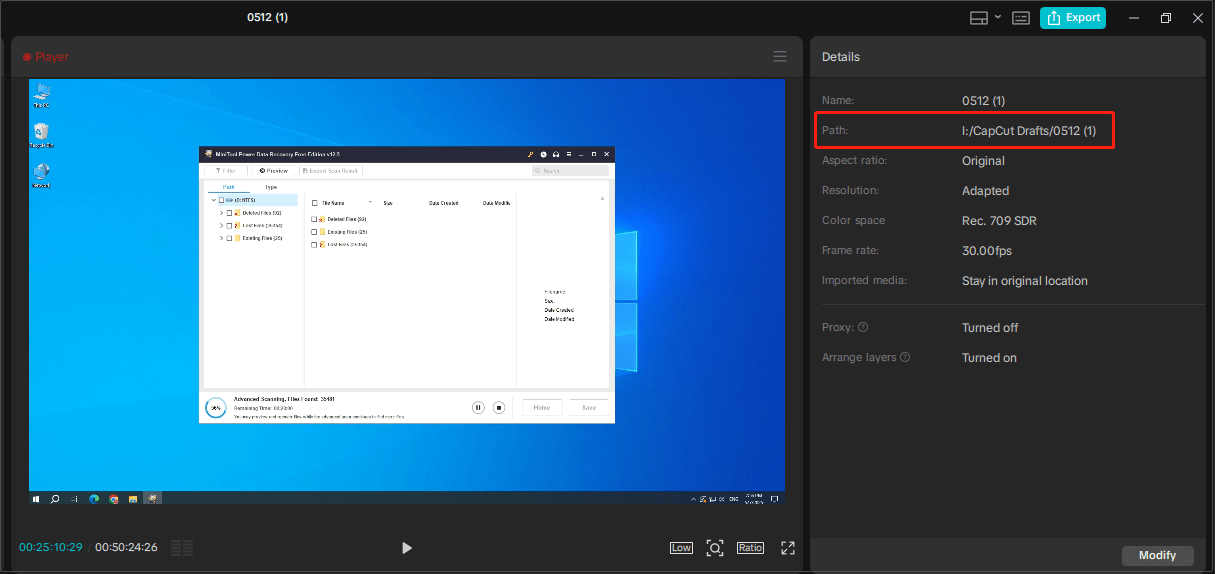
1. Check CapCut cache folders (manual inspection)
On desktop:
-
Look for folders named similar to:
-
Cache -
Temp -
Session
-
-
Sort by last modified time
-
Look for unusually large files updated during your edit session
Sometimes timeline data exists but is unindexed.
2. Disconnect Space and reopen locally (prevent overwrite)
If you haven’t already:
-
Disconnect from the internet
-
Open CapCut
-
Open the local project before Space reconnects
-
Check whether the newer state briefly appears
This only works if the local copy wasn’t already overwritten.
Mention this to CapCut support team
When contacting CapCut support, frame it exactly this way:
- CapCut explicitly confirmed “Saved to project”
-
Space sync completed successfully with no warnings
-
Upon reopening, CapCut reverted to an older version
-
Local and Space copies both lost changes
-
Recovery tools fail, indicating save/sync mechanism failure
Ask specifically for:
-
Internal sync logs
-
Project version history on Space
-
Confirmation whether Space sync validates timeline state or only project metadata
This moves the issue from “user mistake” to data integrity bug, which is harder for CapCut team to dismiss.
Going forward to avoid repeat loss
Until CapCut development team improves this system:
-
Manually duplicate the project before major edits
-
Export a low-res draft periodically (forces a full project commit)
-
Avoid closing immediately after seeing “Saved to project” — wait, then make a minor edit and save again
Summary
Your description is internally consistent, technically sound, and matches known weaknesses in CapCut’s save/sync architecture. You did everything a reasonable user could do. This is almost certainly a silent commit or sync failure, not a mistake on your part.