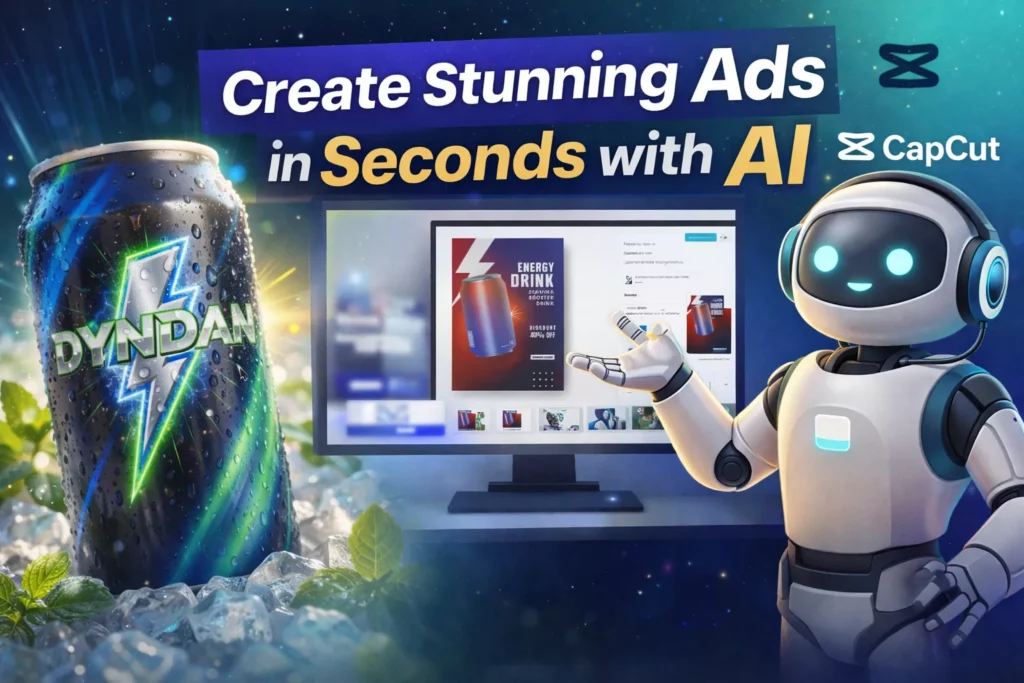
Quick Summary
- CapCut AI design tools eliminate the need for manual editing and templates for creating Ads
- Generate full marketing visuals with simple text prompts
- Edit designs conversationally and resize instantly for any platform
- Perfect for marketers, creators, and small businesses
The End of Template-Based Design?
Imagine creating professional advertising visuals without dragging elements, tweaking layers, or endlessly browsing templates. Traditional tools like Canva can feel slow and limiting when you’re trying to bring a specific idea to life.
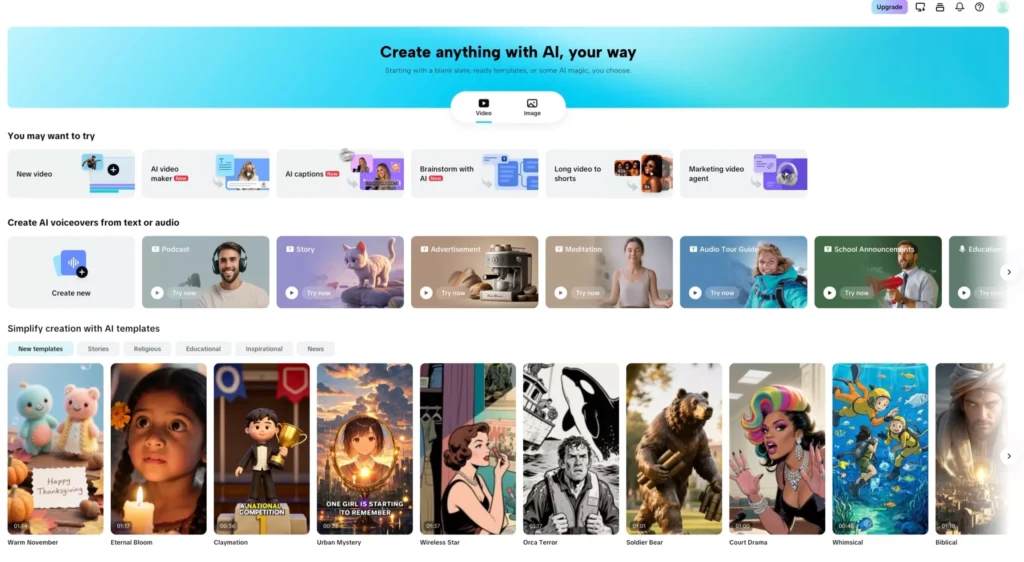
What if instead, you could generate an entire campaign visual with a single command?
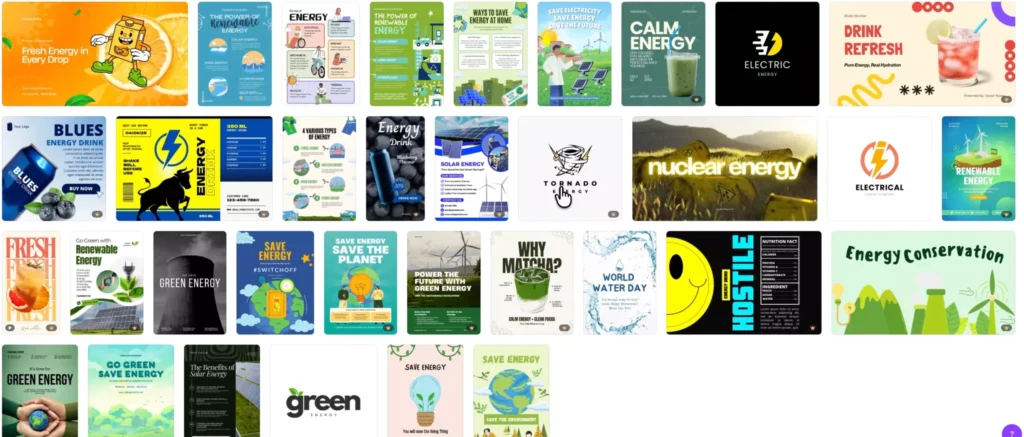
That’s exactly what AI-powered design tools like CapCut AI Design are enabling—a faster, smarter way to create.
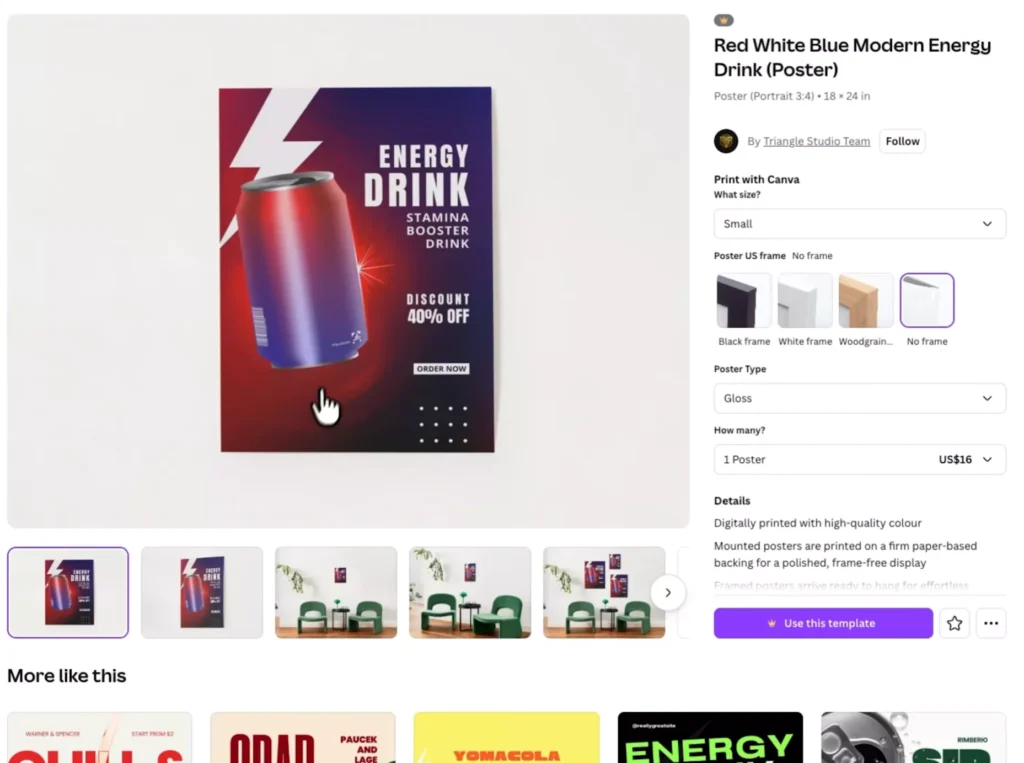
What Is CapCut AI Design?
CapCut AI Design is an AI-powered design assistant built for:
- Marketers
- E-commerce sellers
- Content creators
“You don’t design anymore—you direct.”
Grab your free copy of CapCut PRO APK today, which has all the in-built AI suite, for completing the steps which we are going to talk in the below guide.
Watch the promo video from CapCut below:
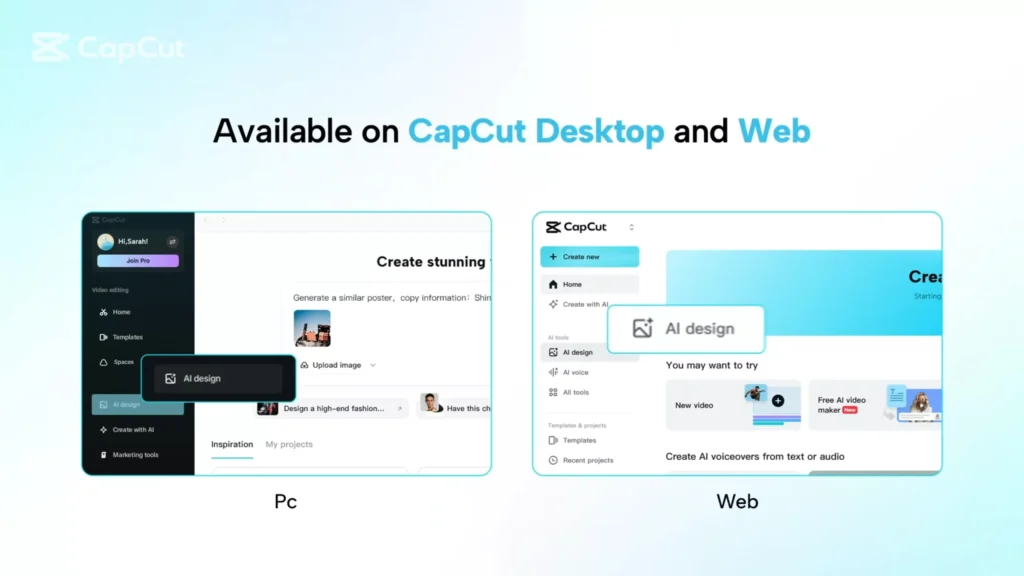
How It Works: From Idea to Visual in Minutes
- Download the CapCut APK from the link provided
- Alternatively, you can open CapCut in your web browser
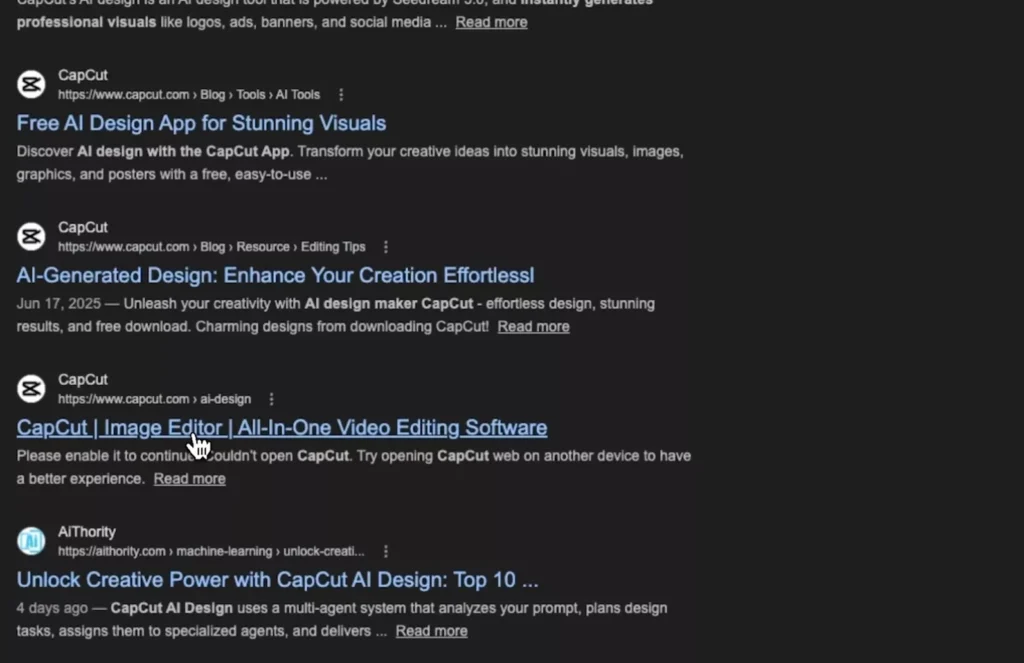
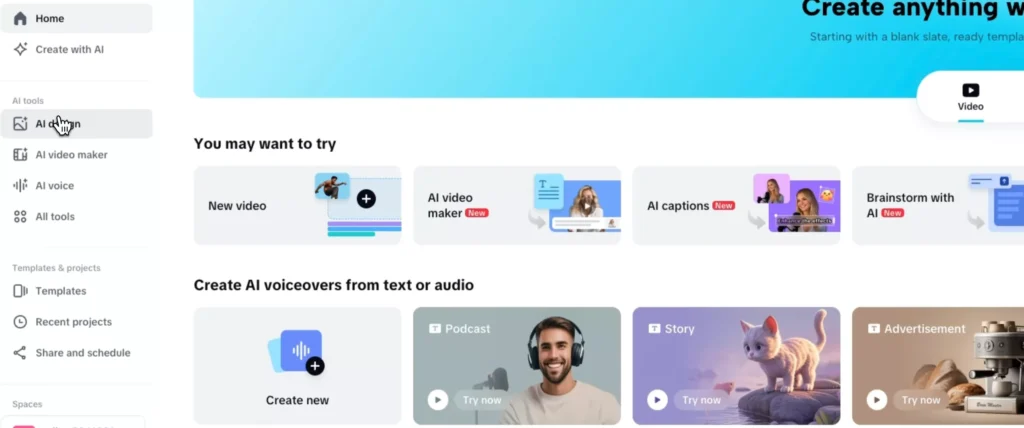
- Select AI Design
- Upload a product image
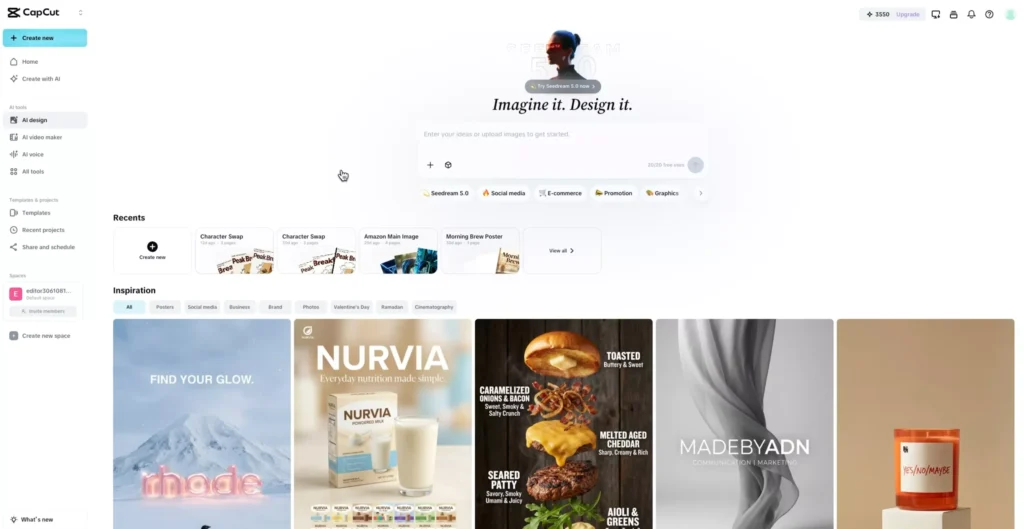
- Enter a prompt describing your desired visual
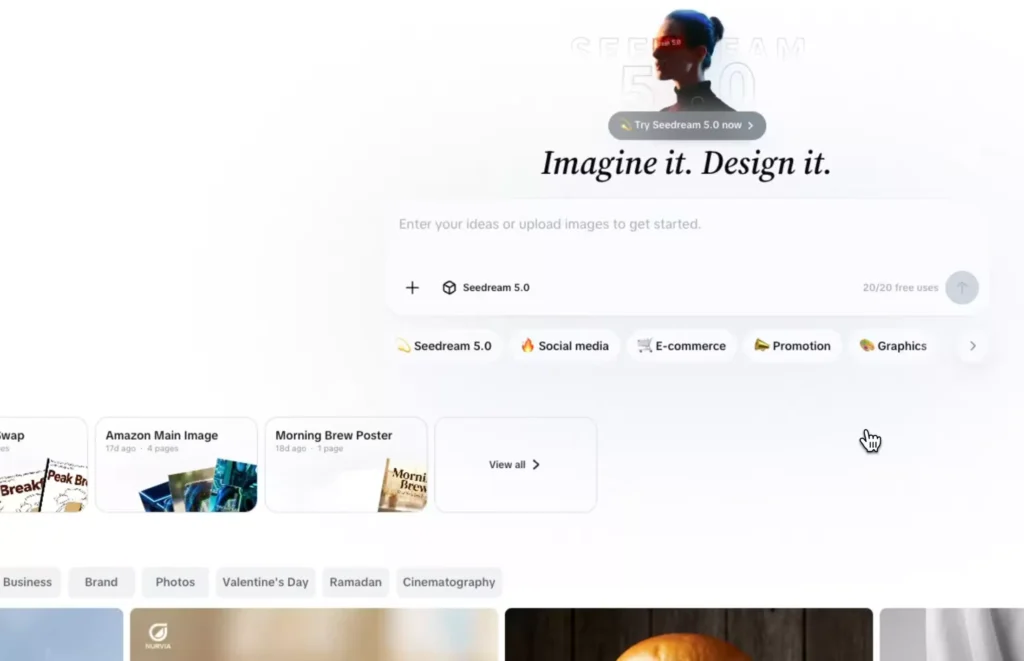
No downloads (while using the web version). No complex setup. Just results.
From Templates to AI Generation
Traditional Workflow
- Search templates
- Adjust layouts
- Replace images
- Fix fonts and spacing
AI Workflow
- Describe your idea
- Let AI generate the design
This shift saves hours—and often produces better results.
Case Study #1: Turning Inspiration into a Branded Poster
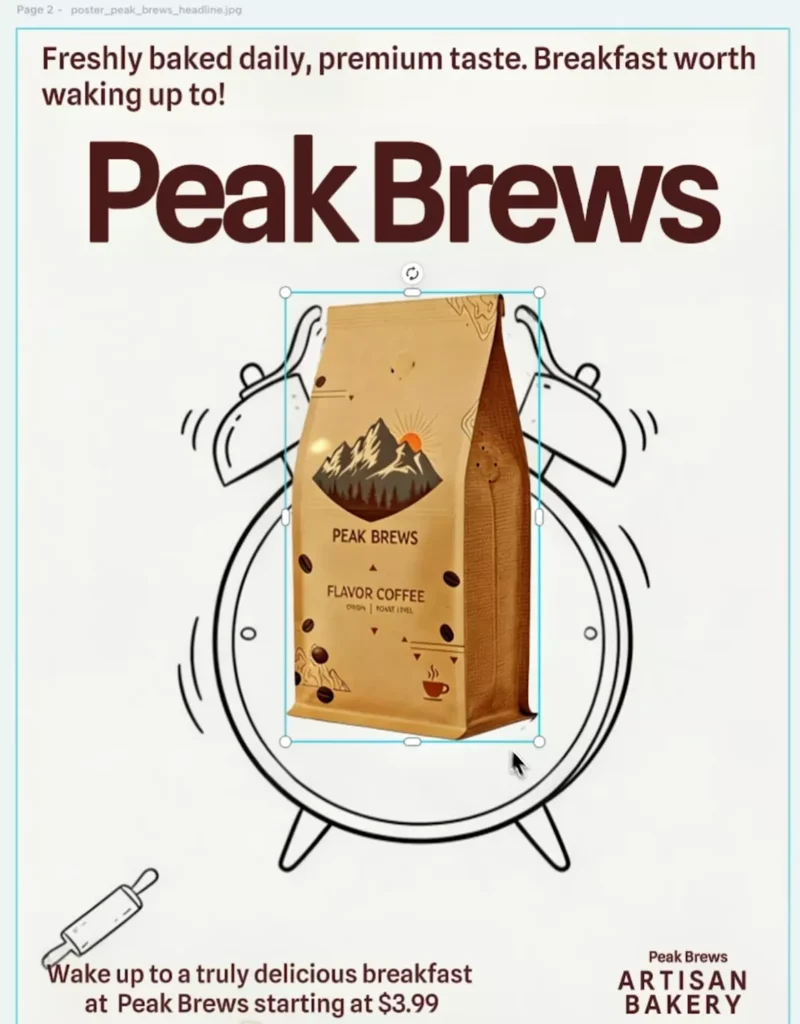
Let’s say you find a design you like—like a donut ad.
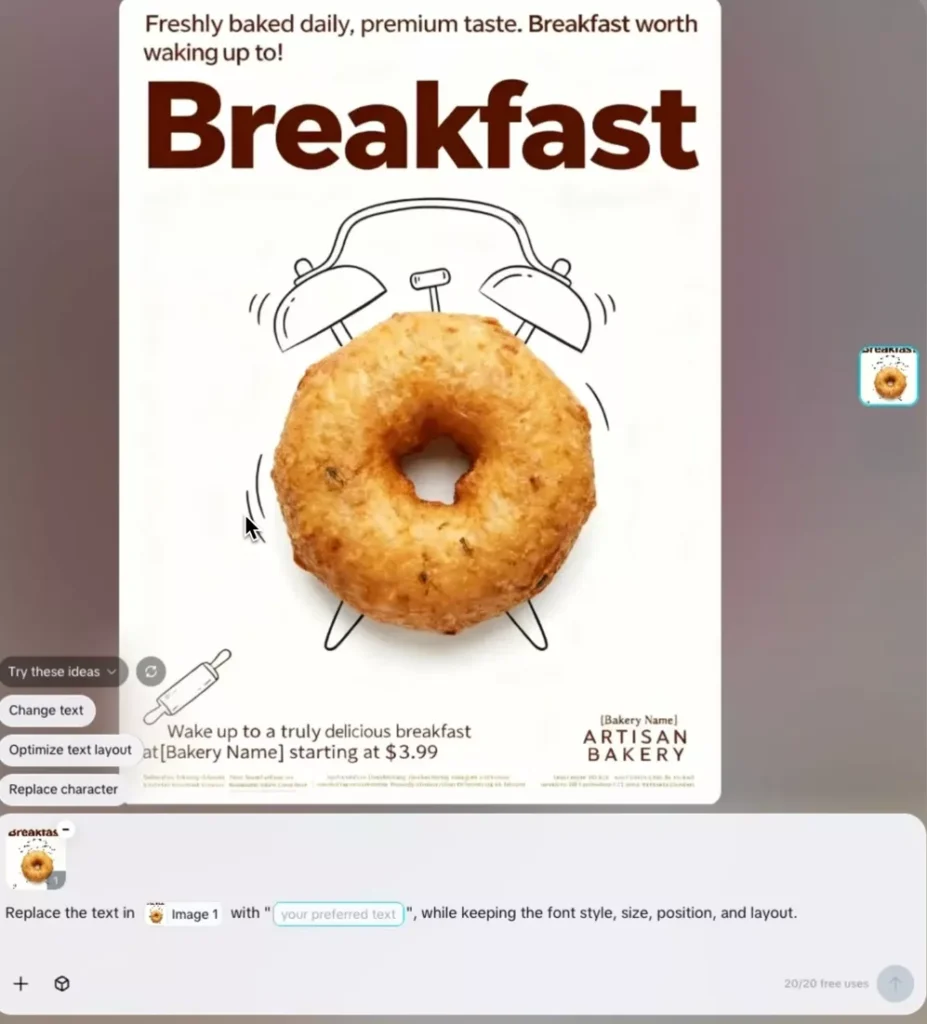
Instead of recreating it manually, you can:
- Replace the product (donut → coffee)
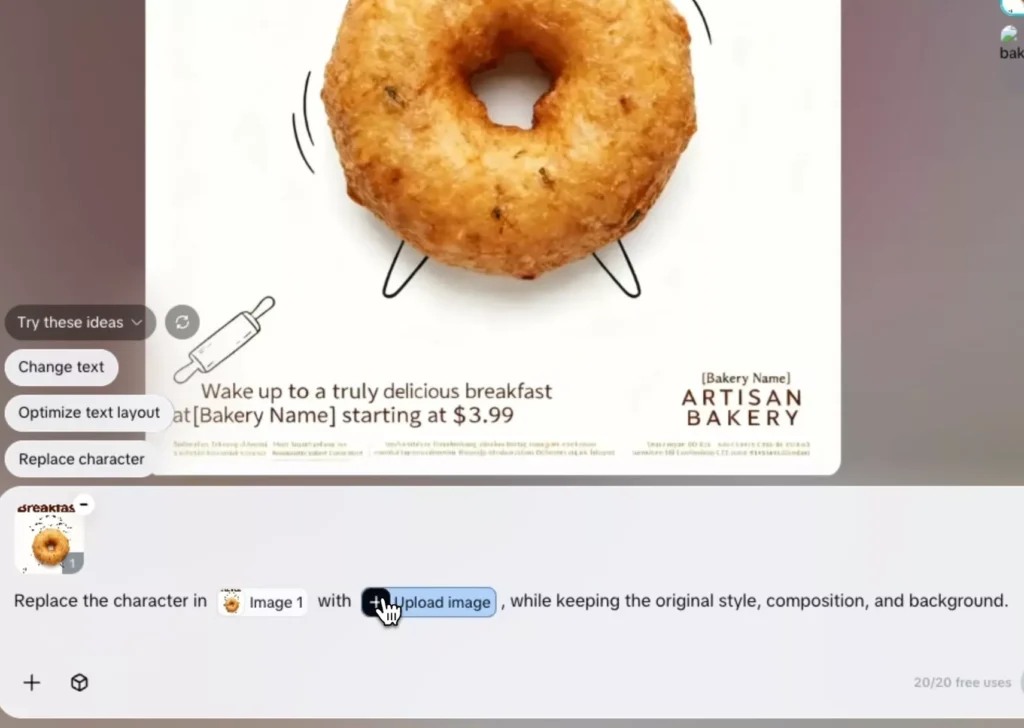
- Keep the same layout and style
- Update text using AI prompts
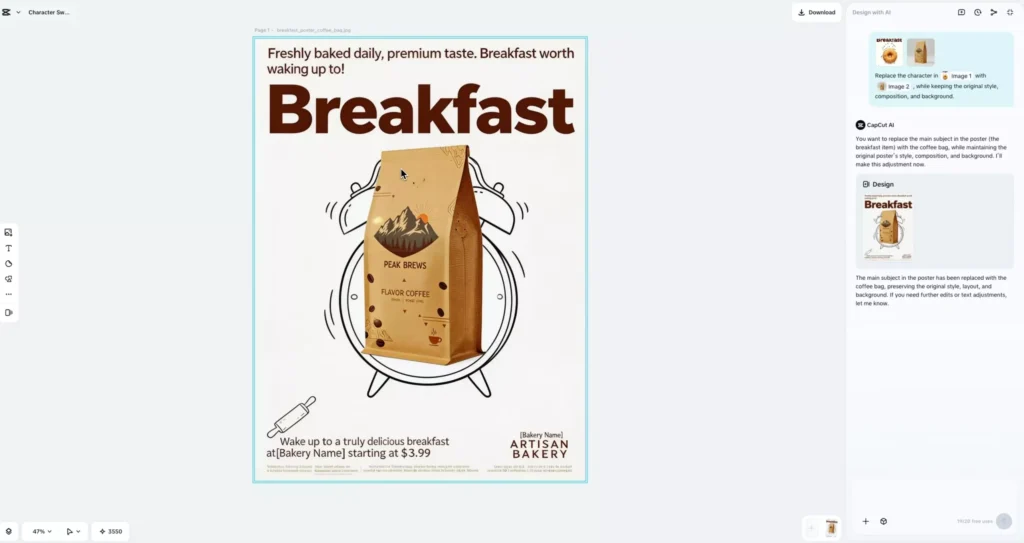
Within seconds, you get a brand-new, customized design.
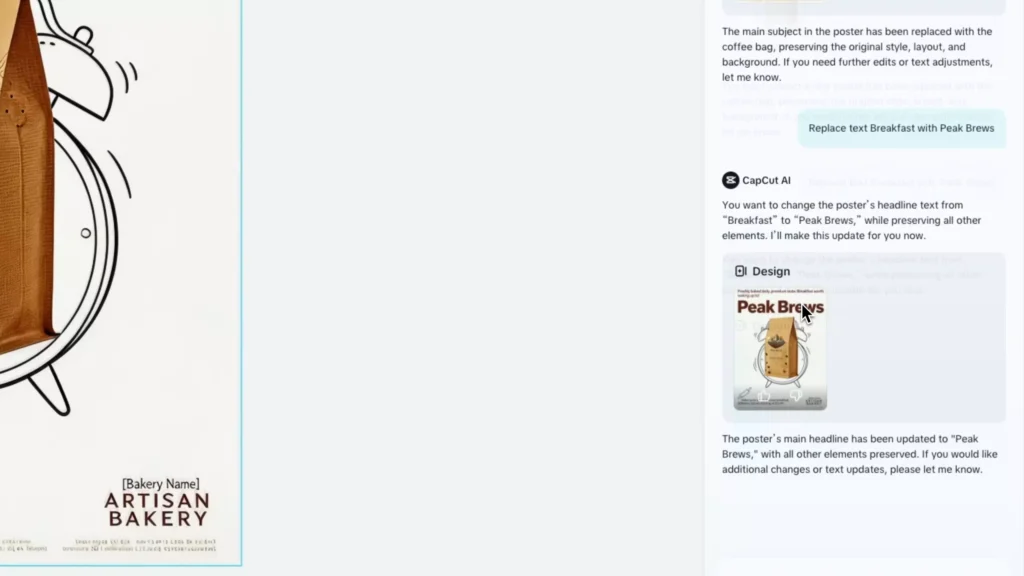
Conversational Editing
Need to tweak the headline?
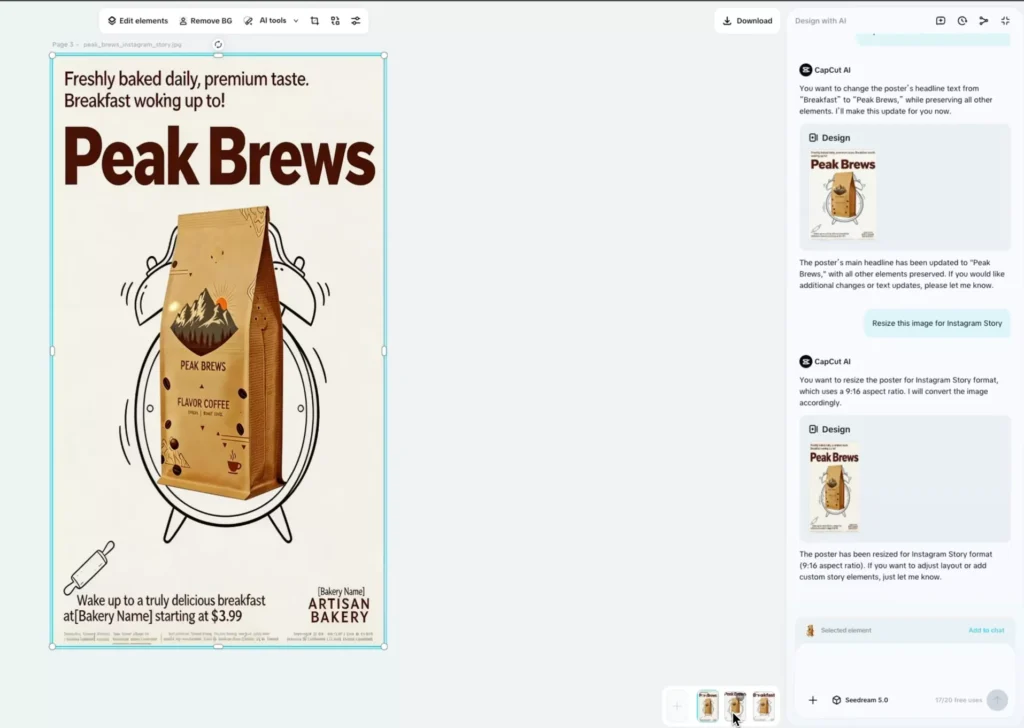
Replace “Breakfast” with “Big Brew”
The AI detects the text, matches the font, and updates it seamlessly.
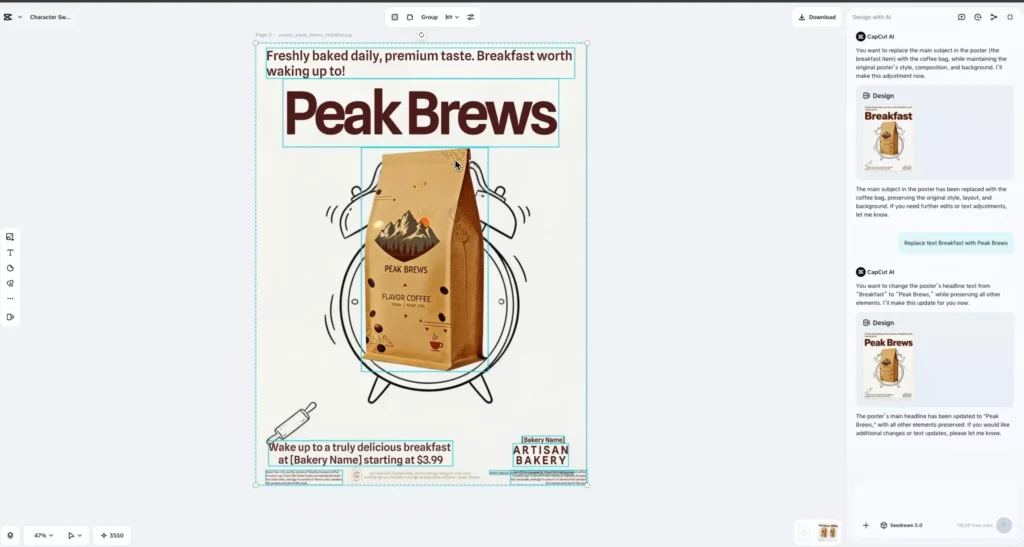
Full Control When You Need It
Even though CapCut AI handles most of the work, you still get manual control:
- Edit individual elements
- Move and resize objects
- Adjust layout and composition
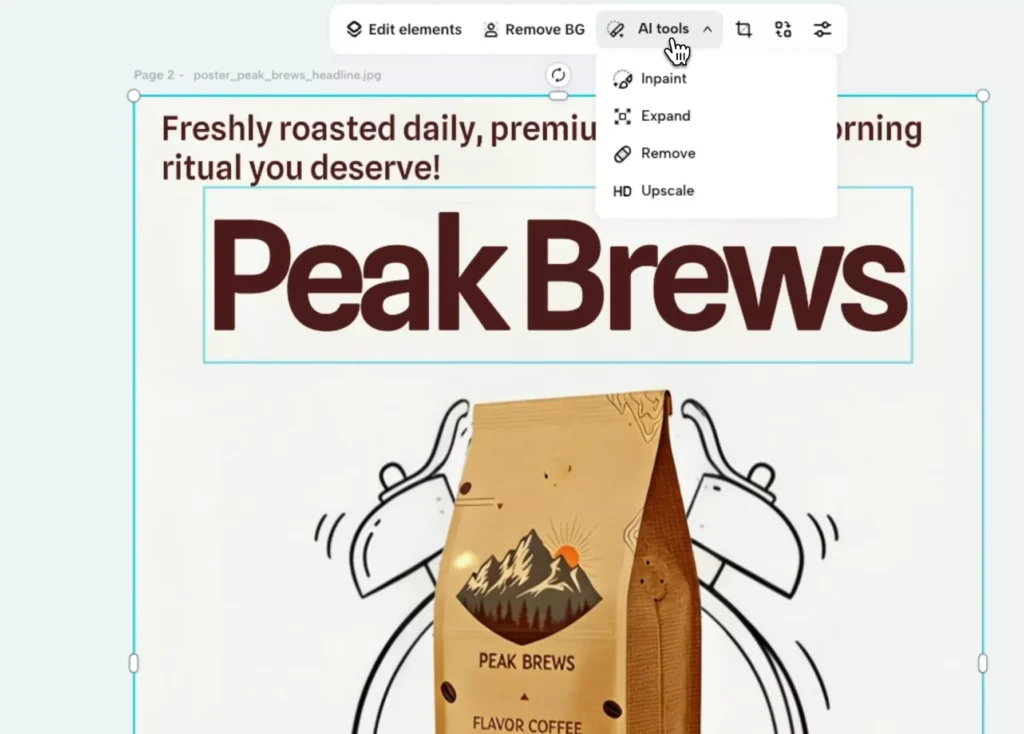
Plus built-in AI tools like:
- Background removal
- Image expansion
- Object removal
- Upscaling
Instant Resizing for Every Platform
Need an Instagram Story version? Just ask.
The CapCut AI automatically adjusts layout, maintains balance, and outputs a ready-to-use format like 9:16—no manual resizing required.
Case Study #2: One Product, Four Campaigns
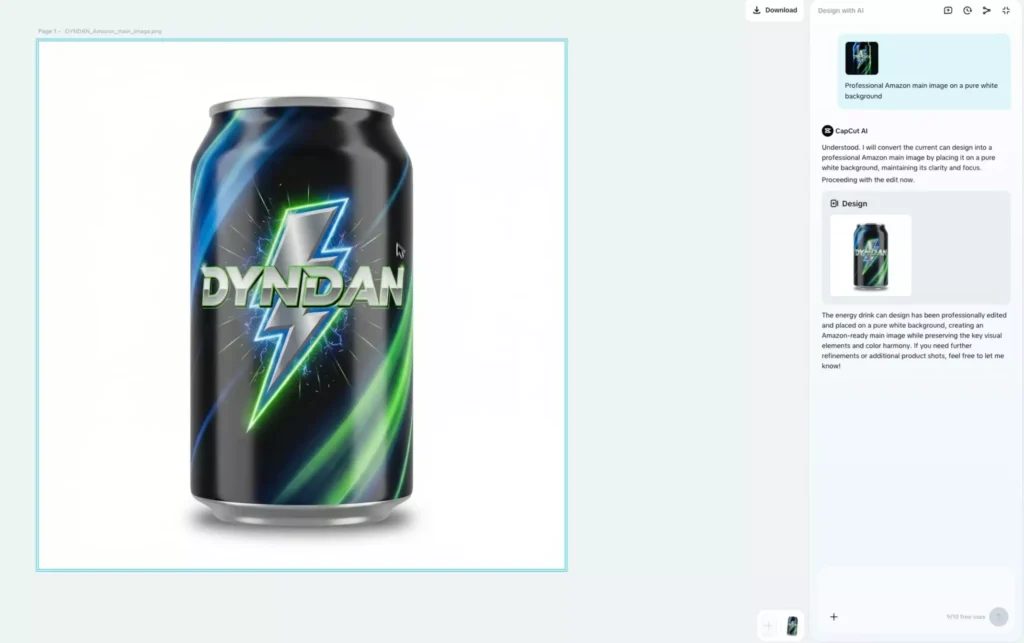
1. Clean Product Listing Image
- White background
- Soft shadow
- Perfect for e-commerce
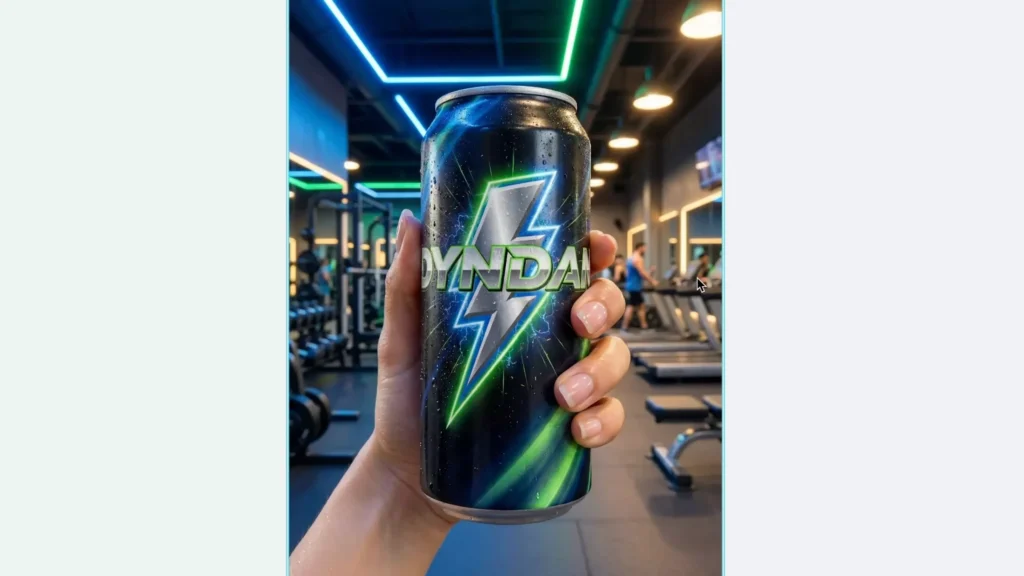
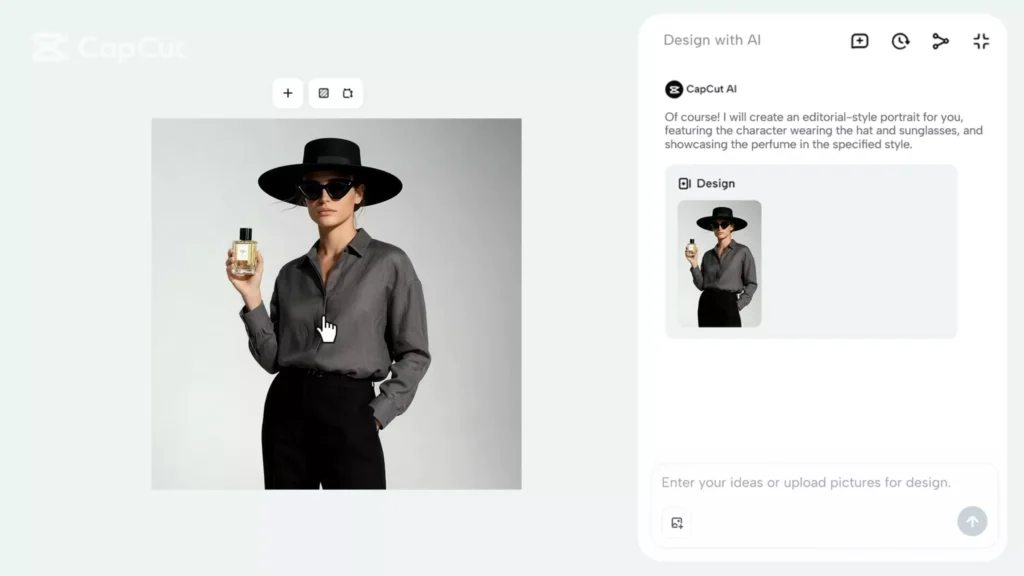
2. Lifestyle Shot
- Hand holding the product
- Natural lighting and textures
- Social media ready
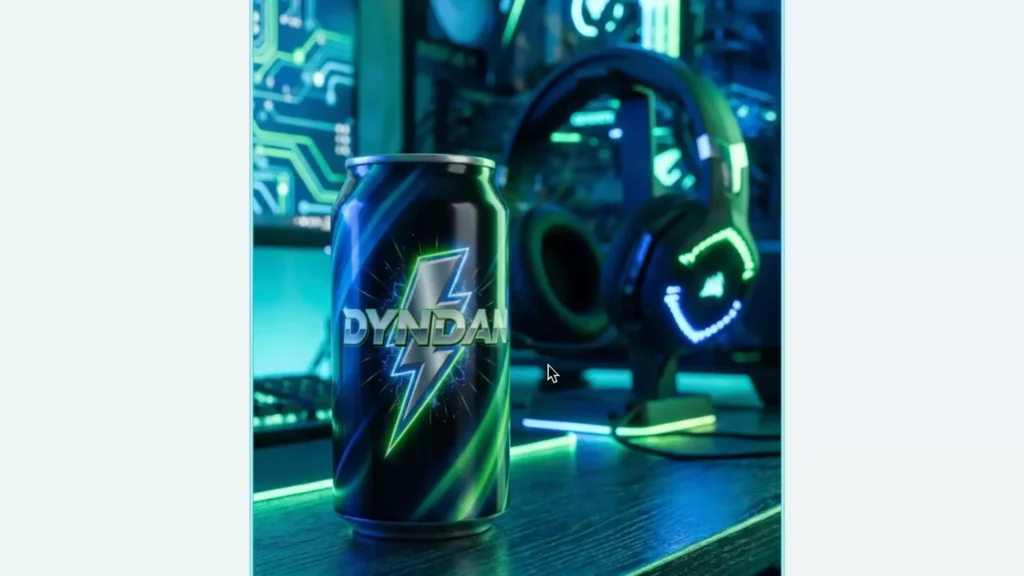
3. Gaming-Themed Visual
- Cyberpunk environment
- Neon lighting
- Immersive branding
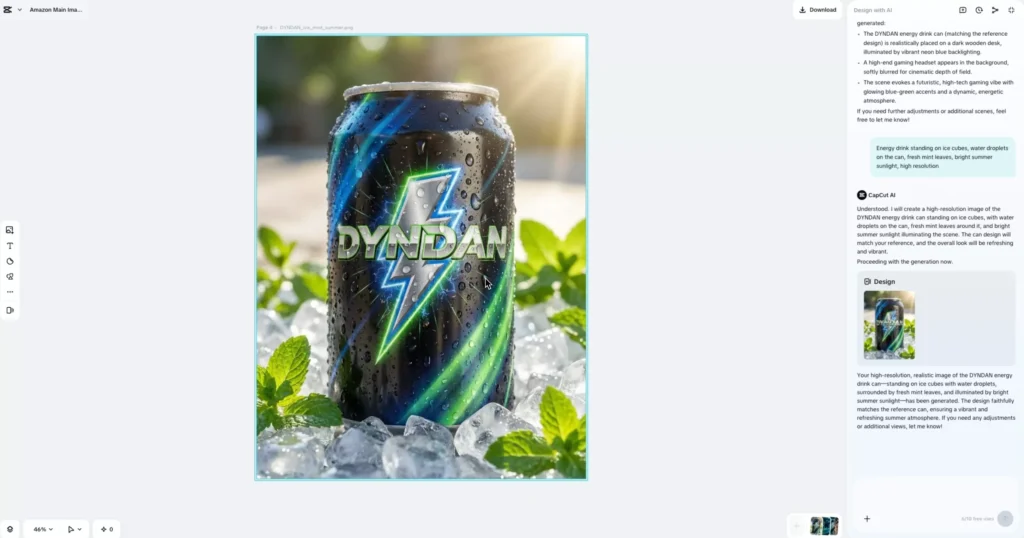
4. Freshness Ad
- Ice and condensation effects
- Bright lighting
- Instantly communicates refreshment
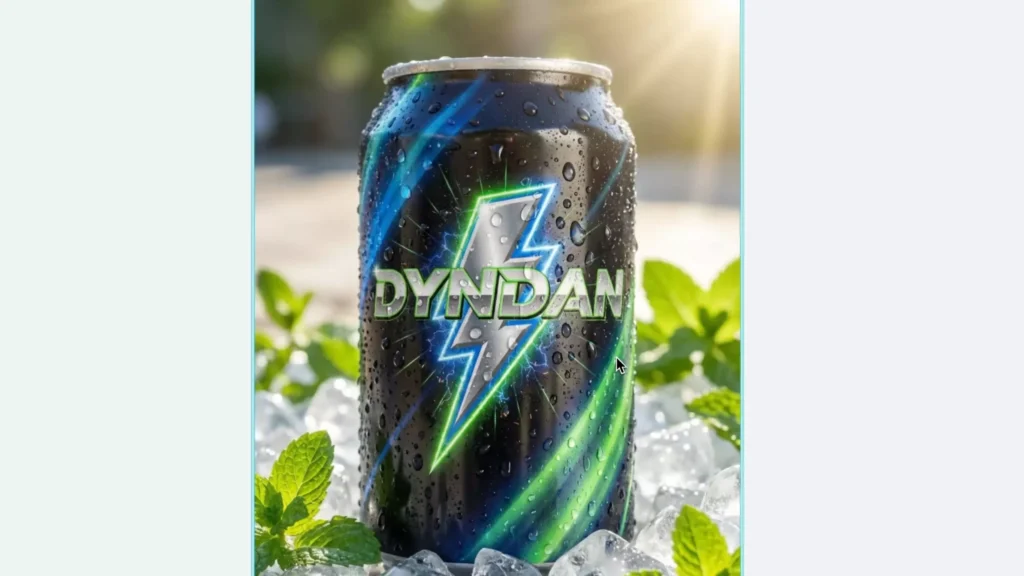
From one image to multiple marketing assets in minutes.
Why This Changes Everything for Marketers
- Speed: Generate campaigns in minutes
- Consistency: Maintain brand style automatically
- Creativity: Explore multiple ideas instantly
- Cost-saving: No need for expensive tools or designers
Who Should Use CapCut AI Design Tools?
- Small business owners
- E-commerce sellers
- Social media managers
- Content creators
- Beginners with no design experience
Pros and Cons of AI Design Tools
Before jumping in, it’s worth understanding where CapCut AI design tools shine—and where they still have limitations.
Pros
- Lightning-fast creation — Generate complete visuals in seconds
- No design skills required — Perfect for beginners and non-designers
- Multi-purpose output — Create ads, social posts, and product images from one asset
- All-in-one workflow — No need to switch between multiple tools
- Endless creative variations — Test multiple concepts quickly
Cons
- Limited fine control compared to advanced tools like Photoshop
- May require iteration to get the perfect result
- Prompt quality matters — vague inputs lead to weaker outputs
- Occasional touch-ups needed for text or alignment
Best Practices for Using AI Design Tools
To get the best results, you need to think less like a designer—and more like a creative director.
How to Write Better Prompts
- Be specific:
“Minimalist coffee ad with warm lighting and a cozy morning vibe” - Include context:
“Instagram ad for a premium coffee brand” - Define style and mood:
“Modern, clean, luxury aesthetic” - Mention composition if needed:
“Product centered with soft shadows”
Pro Tip: Treat AI like a designer you’re briefing—the clearer your instructions, the better the outcome.
CapCut AI Design vs Traditional Design Tools
Here’s how CapCut AI design compares to traditional tools like Canva or Photoshop:
| Feature | CapCut AI Design Tools | Traditional Tools |
|---|---|---|
| Ease of use | Very easy | Can be difficult to use |
| Speed | Instant | Time-consuming |
| Learning curve | None | Medium to high |
| Customization | AI-guided | Full manual control |
| Best for | Fast marketing visuals | Detailed design work |
Bottom line:
Use AI for speed and scale. Use traditional tools for precision and complex design work.
Real Use Cases by Industry
AI design tools aren’t just for one type of user—they’re versatile across industries.
E-commerce Sellers
- Product listings (Amazon, Shopify)
- Promotional ads
- Seasonal campaigns
Content Creators
- Instagram posts and stories
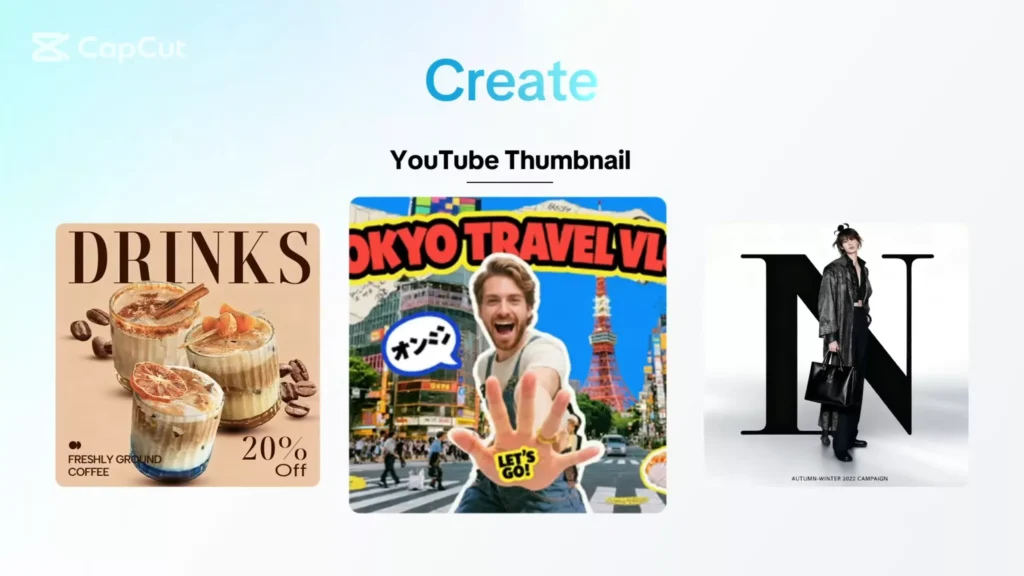
- YouTube thumbnails
- Personal brand visuals
Marketing Agencies
- Rapid client mockups
- A/B testing creatives
- Campaign scaling
Startups & Small Businesses
- Affordable branding assets
- Social media marketing
- Quick product launches
Common Mistakes to Avoid
Even with AI, there are a few pitfalls that can hurt your results.
Avoid These Mistakes:
- Writing vague prompts like “make a cool ad”
- Overloading designs with too many elements
- Ignoring brand colors and consistency
- Not reviewing AI-generated text carefully
- Settling for the first result without iterating
The best results usually come after 2–3 prompt refinements.
Frequently Asked Questions (FAQ)
Is CapCut AI Design free?
Yes, it offers limited free access, with additional features available in paid plans.
Do I need design experience to use it?
No. It’s built specifically for beginners and non-designers.
Can I use AI-generated designs for commercial use?
Yes, these tools are designed for marketing, advertising, and business use.
Is it better than Canva?
It depends. AI tools are faster and more automated, while Canva offers more manual control and customization.
What kind of images can I create?
You can create:
Product ads
Social media posts
Lifestyle visuals
E-commerce listing images
Before vs After: The CapCut AI Advantage
Let’s look at what AI design actually changes.
Before (Traditional Approach)
- Plain product image
- No visual storytelling
- Limited engagement
After (Using AI Design)
- Polished, branded visual
- Strong messaging and composition
- Ready for ads or social media
One image becomes a full marketing campaign.
Simple AI Design Workflow
If you’re just getting started, follow this simple process:
- Upload your product image
- Write a clear, detailed prompt
- Generate multiple variations
- Refine using AI editing tools
- Resize for different platforms
- Export and publish
Final Thoughts: A New Era of Design
AI design tools are redefining how we create visuals.
You no longer need advanced skills, complex software, or hours of manual work.
All you need is a product image and an idea—the AI does the rest.
Key Takeaways
- AI replaces templates with prompt-based design
- You can generate, edit, and resize visuals instantly
- One image can power multiple campaigns
- Perfect for fast-moving marketing environments
Read Also: I Turned One Idea Into 3 Videos in Minutes using CapCut AI
How to create stunning animations and effects using CapCut + Artlist AI
Ready to Take Action?
Don’t overthink it—just start.
Take one product image and try this:
- Generate 3 different ad styles
- Test them on social media
- See which performs best
The faster you experiment, the faster you improve.